Any Video Converter Free
 Any Audio Converter
 AVCLabs Video Enhancer AI
 AVCLabs Video Blur AI
 AVCLabs Photo Enhancer AI
 AVCLabs PhotoPro AI
 Mobile Data Manager
 Mobile Data Transfer
 WhatsApp Data Transfer
 PC Data Recovery
 iOS Data Recovery
 Location Changer
 iPhone Unlocker
 MKV to MP4
 AVI to MP4
 WEBM to MP4
 MOV to MP4
 HEVC to MP4
 MP4 to GIF
 4K Video Converter
 HD Video Converter
 Video to MP3
 MP4 to MP3
 MP4 to WAV
 Video to Audio
 FLAC to MP3
 Text to Image
 Text to Video
 Enhance Video
 Trim Video
 Merge Videos
 Compress Video
 Add Subtitles
 Add Watermark
 Text to Image AI
 Text to Video AI
 Image to Video AI
 AI Art Generator
 AI Headshot Generator
 AI Logo Generator
 Ghibli Video Generator
 Seedance AI Video Generator
 Video to Text
 Video Splitter
 Video Stabilizer
 Audio to Text
 Vocal Remover
 Image Enhancer
 Image Upscaler
 Image Denoiser
 Background Remover
 Object Remover
 Photo Restoration
 Color Correction

AI Video Generator Online: Generate HD Video from Text and Image
Instantly turn your inspirations and concepts into high-quality HD videos
- Generative high-quality HD (1080p) videos with clean details
- Experience stable, natural movement across every frame
- Multi-style: animations, 2D/3D, close-up, cinematic scenes, etc
- Turn ideas into stunning videos with ease using text and images
- Instantly generate videos in minutes, with reliable output
 RealismConsistencyCinematicHigh Quality
 Switch to Mac Version
 Switch to Windows Version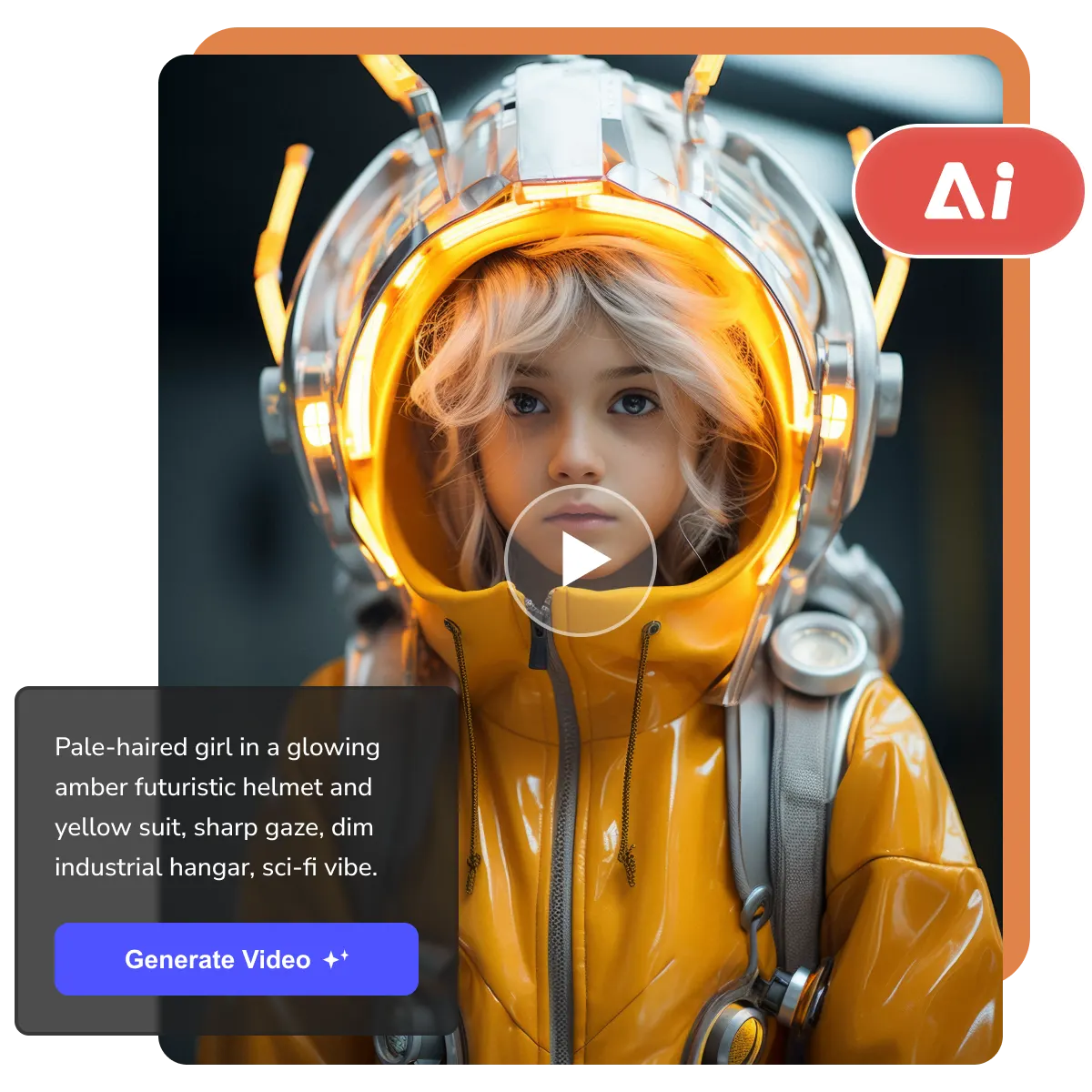
- Features
- User Guide
- Showcase
- FAQ
-
 AI Video Generator
 -


Key Features of this Online AI Video Generator
Turn your creative ideas into videos in minutes
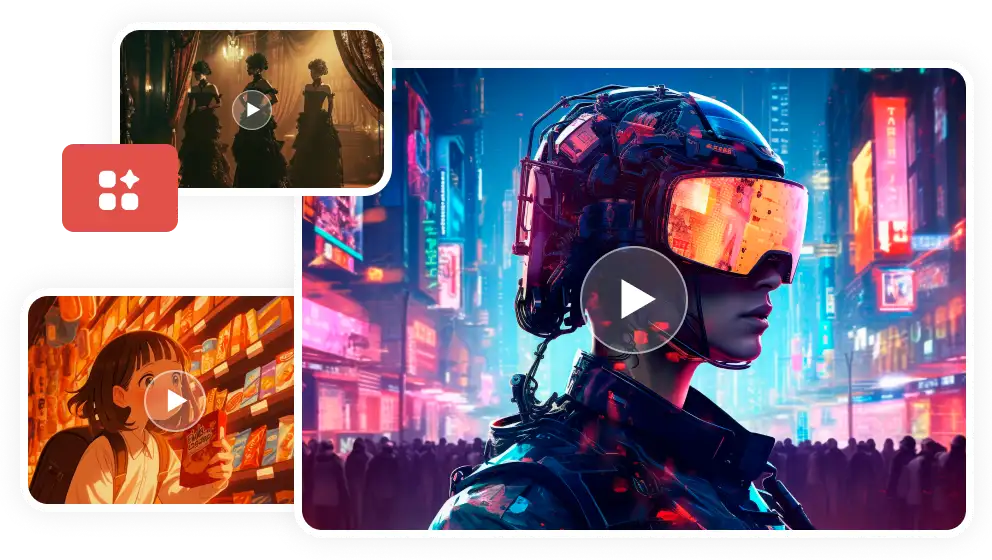
Define the Exact Look and Feel of Footage
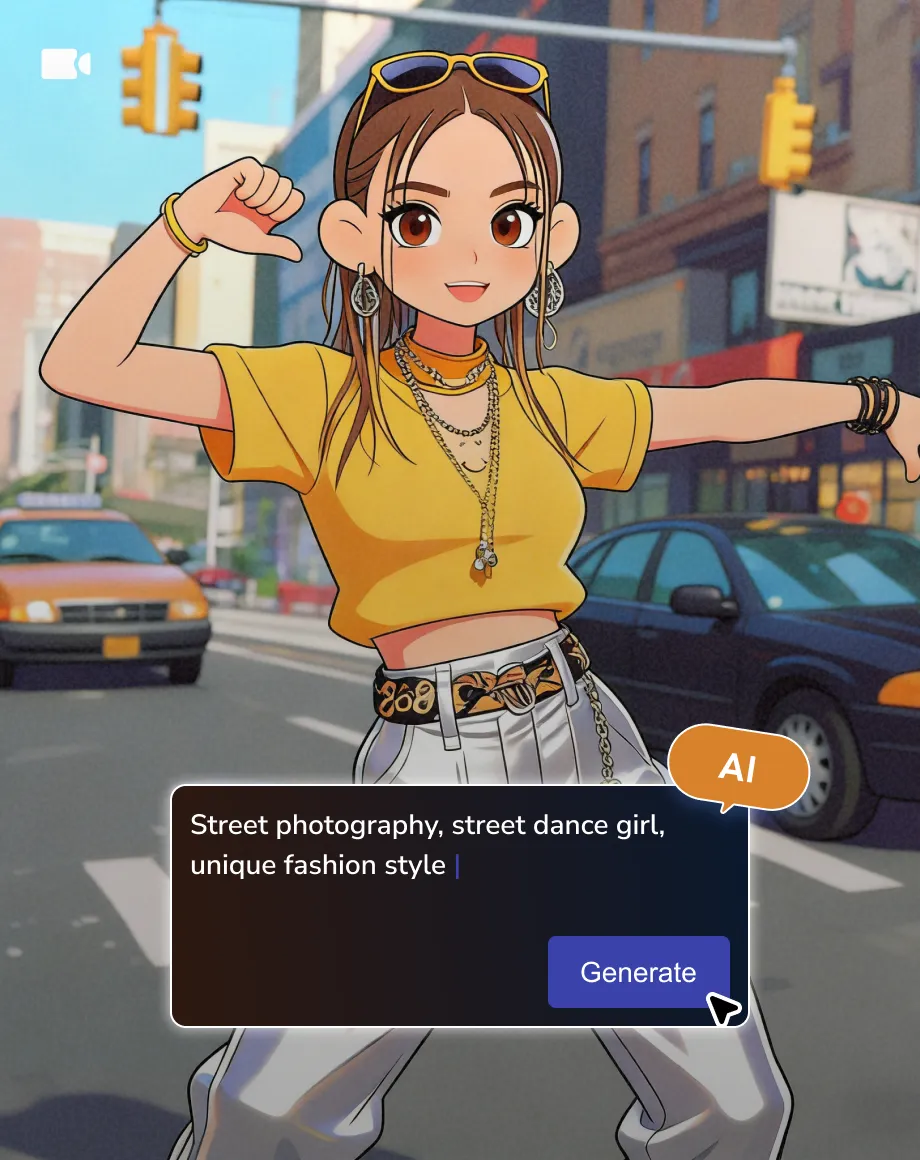
Whether you need realistic cinematography, vibrant 2D or 3D anime, or experimental aesthetics, AVC's AI video generator can deliver consistent results. Simply describe your vision, and the AI handles the complex rendering to bring your style to life.
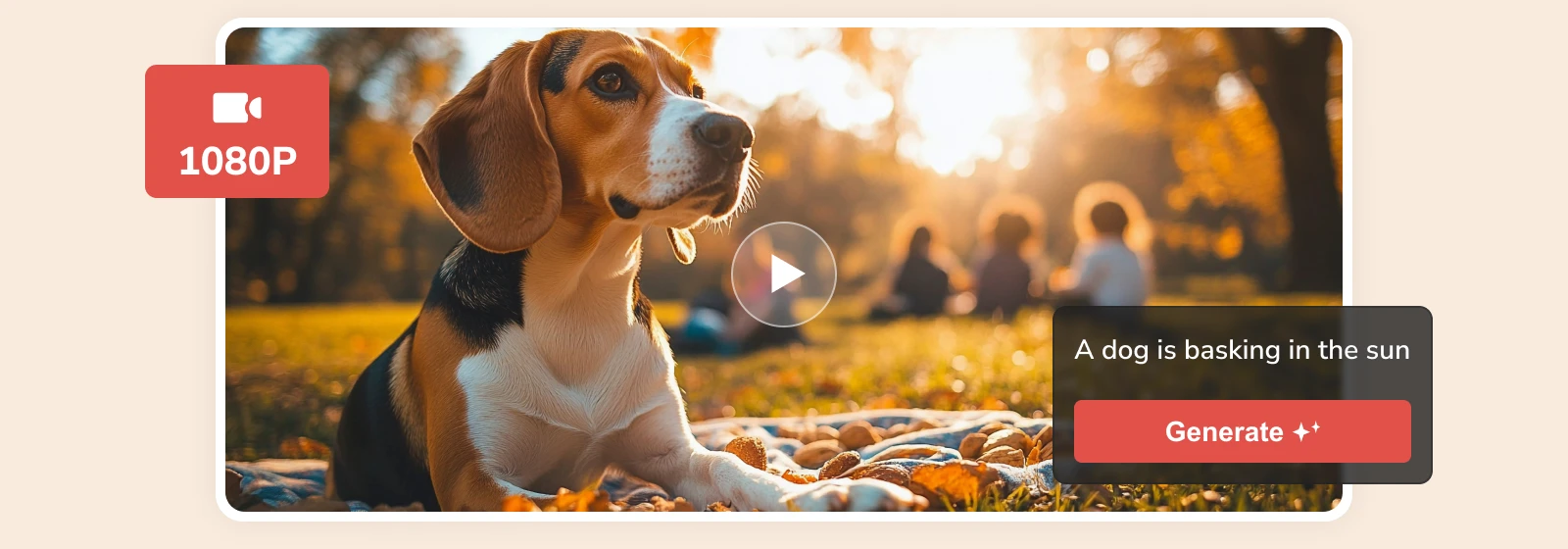
HD Quality, Smooth and Natural Transitions
Elevate your storytelling with high-definition clarity and fluid, lifelike motion. With advanced motion consistency and fidelity, AVC.AI delivers high-fidelity, 1080p, smooth video generation, no flicker, no warping, just consistent, lifelike motion that feels real.
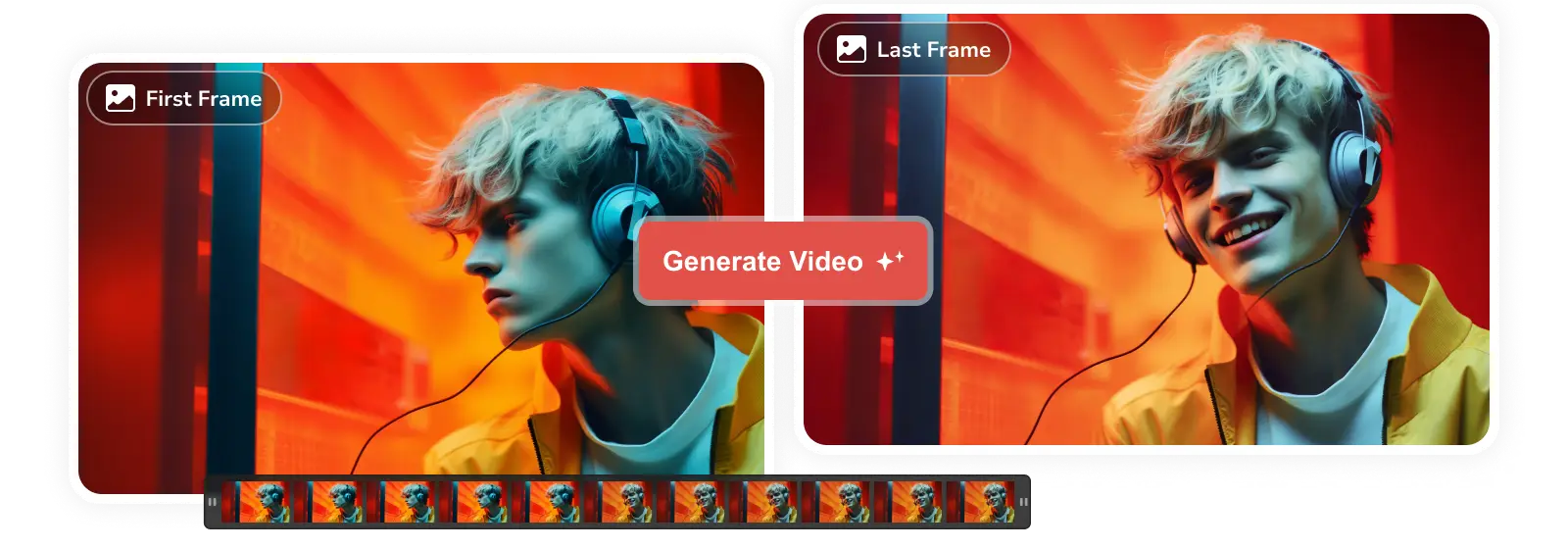
Generate 8-Second Video from Text and Images
Combine descriptive text and images to generate a polished 8-second video with realistic motion and complex environmental physics. This is perfect for creating high-impact social media teasers, cinematic product reveals, or engaging animated backgrounds in seconds.
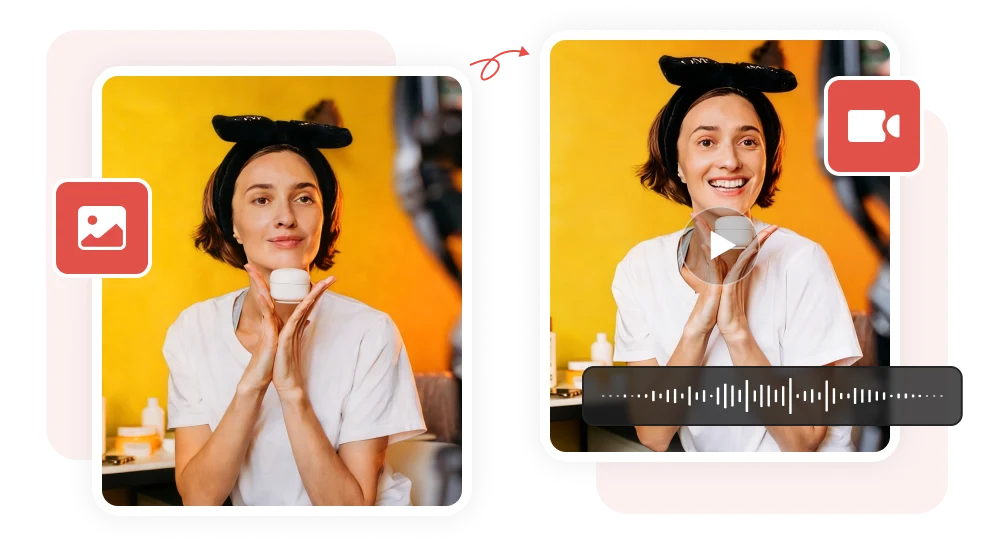
Talking Avatar: Bring Your Characters to Life
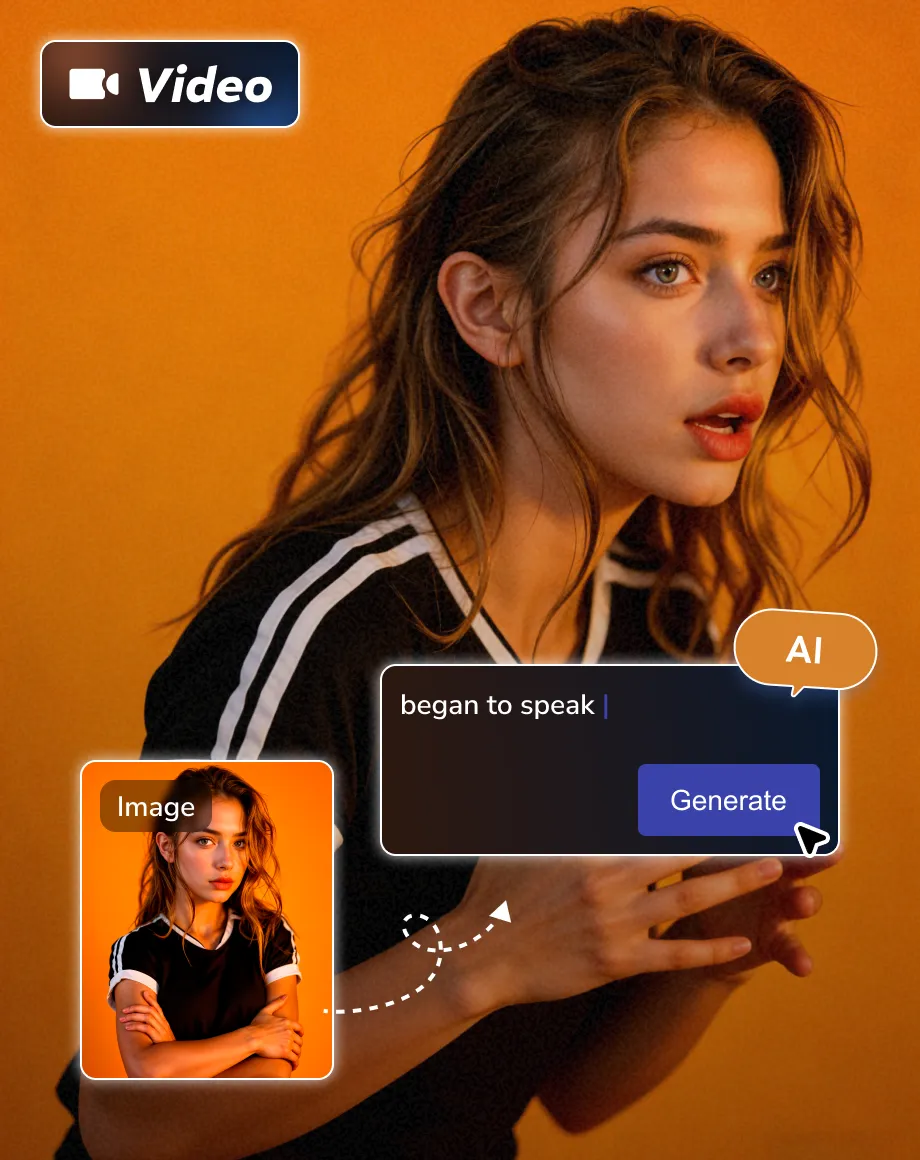
Make your AI-generated video speak naturally right now, perfect for video tutorials, presentations, or social media. Advanced AI lip-sync and facial animation make speech natural and expressive, while customizable voices and accents in the prompt ensure every avatar is uniquely yours.
Why Choose AVC Online AI Video Generator
High quality and realism

Reliable Output
The stable server and next-gen modes ensure high-quality videos every time, with accurate rendering and minimal errors.

High Quality
Maintain smooth, consistent, and natural movements throughout your animations with a professional look, ready for projects.

Faster Generation
Create any style of video in just one minute. Use simple prompts and get professional results fast, saving time and effort.
How to Generate High Quality Videos Online Free
Step 1
Write a Text Prompt
Please describe what you want to generate and how it looks in the prompt field, if any, upload images as the first and last frame of the generated video.
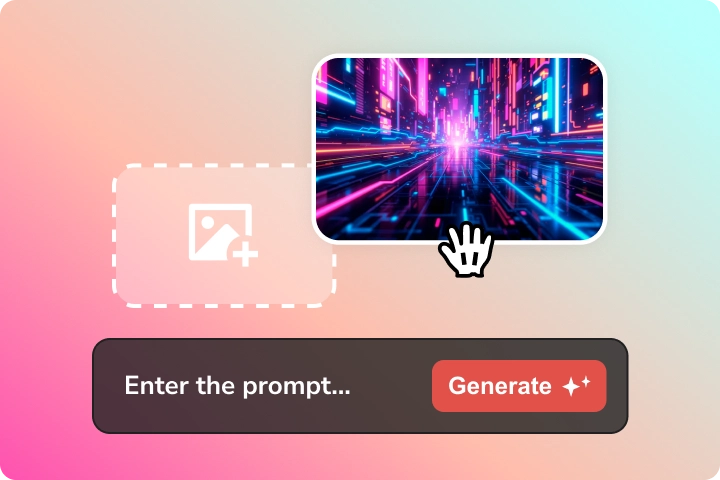
Please describe what you want to generate and how it looks in the prompt field, if any, upload images as the first and last frame of the generated video.
Step 2
Generate Video with AI
When you're satisfied with your prompt, click 'Generate Now' and wait AI to generate a 8s video shortly.
If the generated videos do not match the vision you desired, you can tweak the prompt or update the reference image to re-generate.
When you're satisfied with your prompt, click 'Generate Now' and wait AI to generate a 8s video shortly.
If the generated videos do not match the vision you desired, you can tweak the prompt or update the reference image to re-generate.
Step 3
Download AI-Generated Video
Once you are satisfied with the generated videos, export them as the footage for your video project or share them with your audience.
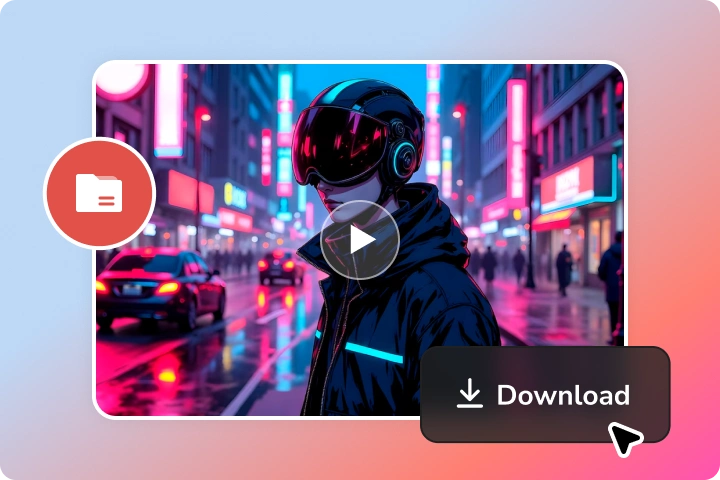
Once you are satisfied with the generated videos, export them as the footage for your video project or share them with your audience.
Explore the Art of Motion Generated by AVC AI
Enjoy clearer details and smoother, more natural-looking cinematic motion
Cinematic
Cool supercar cinematic video, with four-scene seamless transitions.
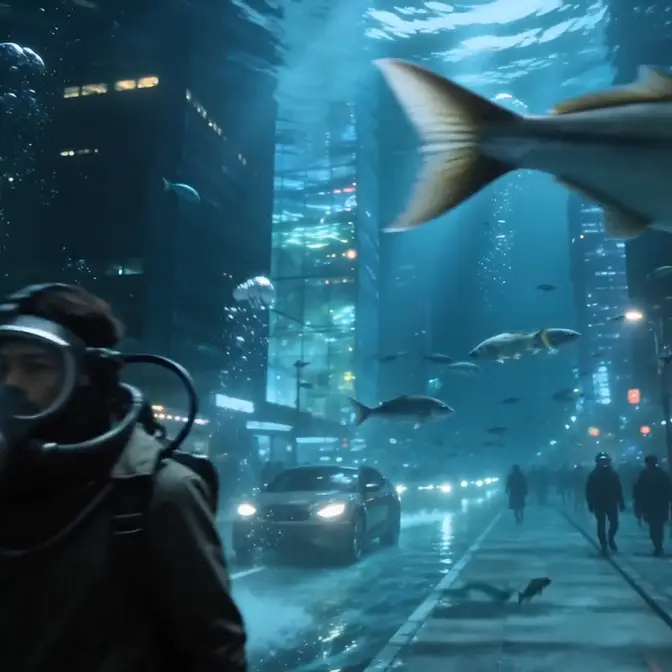
Cyberpunk
A cinematic surreal underwater cyberpunk city street with immersive, realistic details.
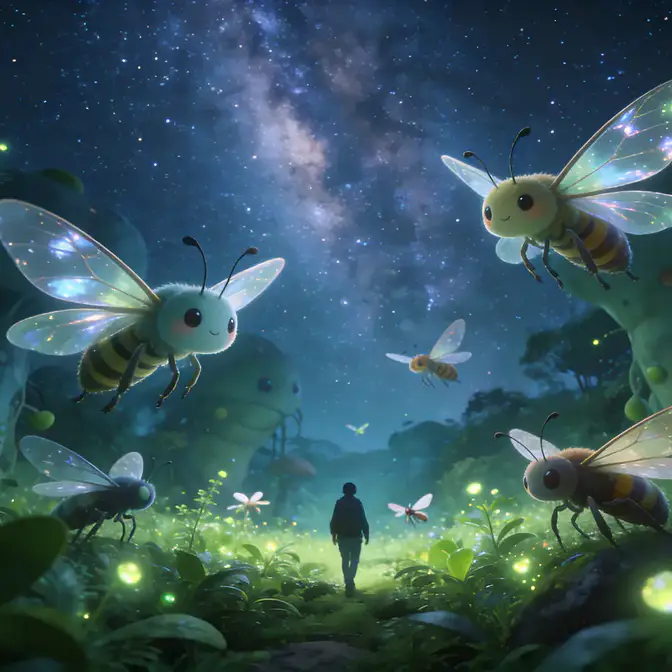
Fantasy
A dreamy fantasy video with a magical and peaceful atmosphere, cinematic camera movement.
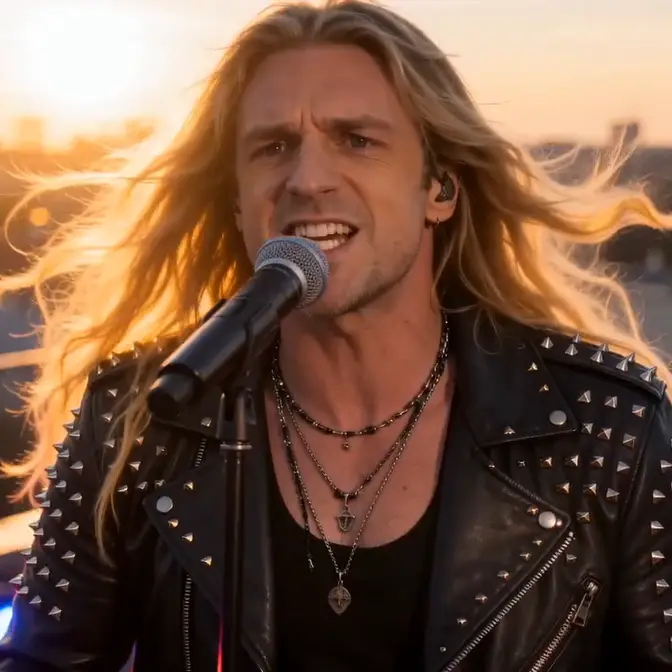
Music Video
Rock music video with golden-hour backlight, powerful live-band energy.

3D Animation
Stylized 3D animated fantasy duel featuring cute anthropomorphic animal warriors.
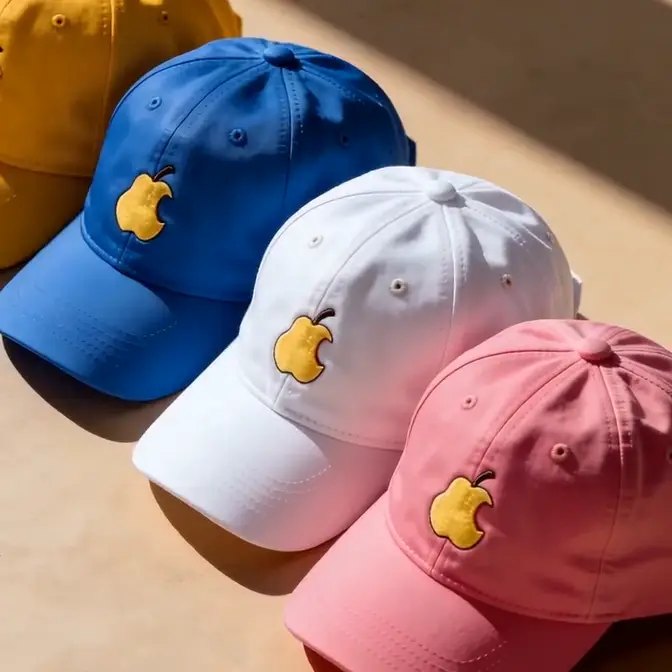
Product Commercial
Minimalist lifestyle commercial featuring colorful fashion accessories.
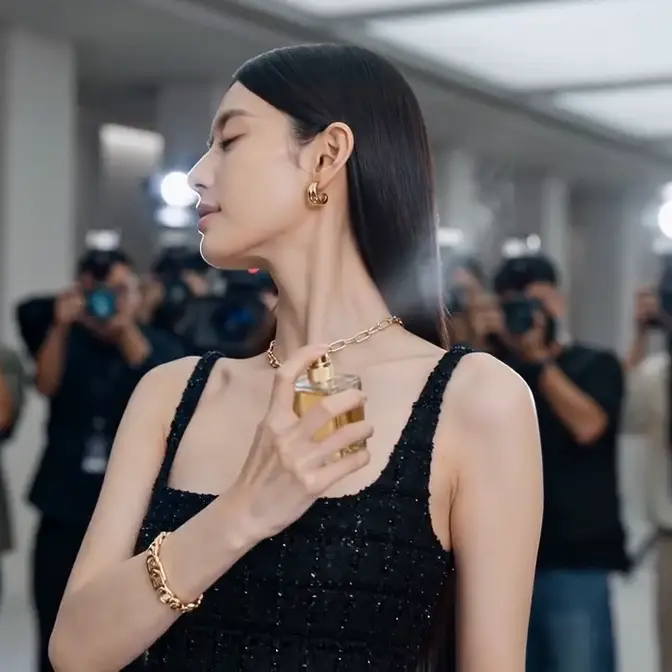
Fashion & Beauty
Luxury fragrance commercial with high-fashion glamour, premium celebrity-campaign atmosphere.

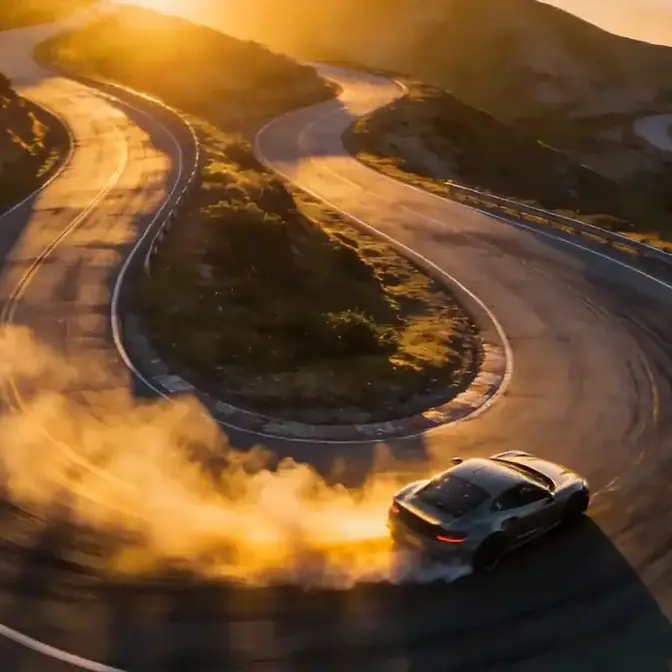
Motorsport Promo
Drift racing video with high-speed motorsport energy, automotive commercial styling.
Unleash Your Imagination. Engage in Creative Work
Generate your first video right now, built for creators of all levels

 Get Mac Version
 Get Windows Version
Discover More AI Generative Tools for Your Creative Work


FAQs about AI Video Generator
How much does an AI video generator cost?
AI video generation costs are mainly driven by heavy computing demands. Each video requires immense processing power to render millions of pixels across multiple frames every second. Unlike text generation, video creation is far more resource-intensive. As a result, pricing varies across brands and models. Today, most leading AI video generators charge around $0.8 to $3 for a 10-second video in 720p or 1080p. Upgrade to the AVC Ultimate desktop version to generate a 12s video.
What are the different types of AI video generators?
Today, AI video generators fall into five core categories, each built for different creative needs.
Film-Class Generators: OpenAI Sora 2, Google Veo 3, and Runway Gen-4 deliver cinematic-quality visuals for professional results.
Script-to-Video Tools: Pictory, InVideo AI, and Fliki transform your scripts into polished videos.
Video-to-Video Creators: DomoAI, Kling AI, and Runway let you reimagine existing footage via style transfer.
Text-to-Video Platforms: Descript, Adobe Firefly, CapCut Pro, and AVC.AI turn simple prompts into 2-10s videos.
Talking Avatar Generators: Synthesia and HeyGen create lifelike AI presenters that speak with emotion and style.
What are the main features of AI video generators?
The main features of AI video generators typically include: text to video conversion, image to video conversion, or video to video conversion, with integrated audio & lip-sync, and advanced editing capabilities.
What is the best AI video generator?
The best AI video generator depends on your purposes and how you plan to use it.
For artistic or photorealistic videos, Soar AI, Google Veo, and Runway deliver stunning, cinematic results.
For social media or business content, CapCut Pro and AVC.AI can make video creation fast, simple, and professional.
How long does the AI take to generate a video?
Generating a 10-second HD video usually takes about a minute or longer, depending on the model. AVC.AI, for example, can create an 8-second 1080p video in under one minute, delivering fast, high-quality results.
Can I use AI-generated videos commercially?
Yes, the videos generated by AVC.AI or its desktop version in Any Video Converter are commercially safe.
More Tips & Tricks about AI Generative Work
Boost your AI skills with helpful guidance