avc logo

Any Video Converter Ultimate

Supercharge your video workflow with AI tools: text to image, text to video, low-res video to 4K, video or audio to text, etc

  • All-in-one video converter, downloader, and editor
  • Convert text into images or videos with AI generative tools
  • Convert low-res videos to HD, 4K, or even 8K quality
  • Convert speech and video to text with up to 99% accuracy
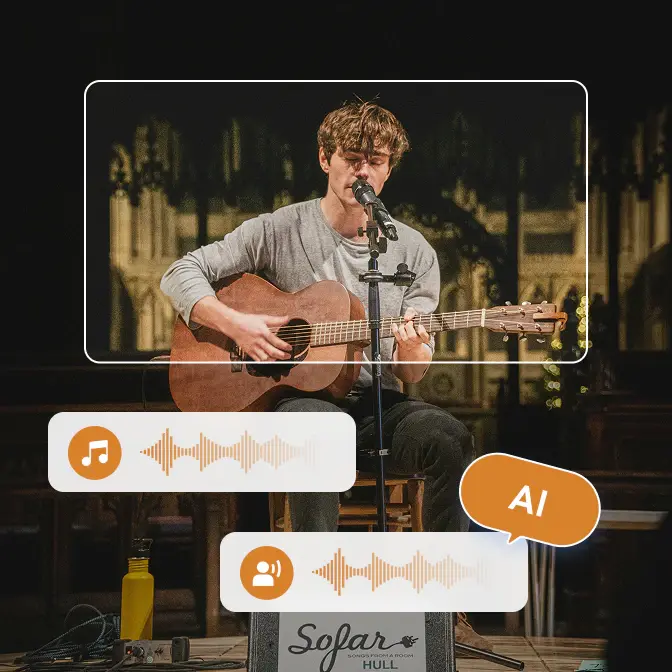
  • Remove vocals or instruments from music in just one click
checkbox iconAI-Powered
checkbox iconHigh Quality
checkbox iconLightweight
checkbox iconCost-Effective
apple iconSwitch to Mac Version
windows iconSwitch to Windows Version
any video converter ultimate top banner for pc
any video converter ultimate top banner for mobile

Unlock Advanced Features with Any Video Converter Ultimate

Get more freedom to handle video workflow in your way

convert and download video with custom presets download videos in custom mode

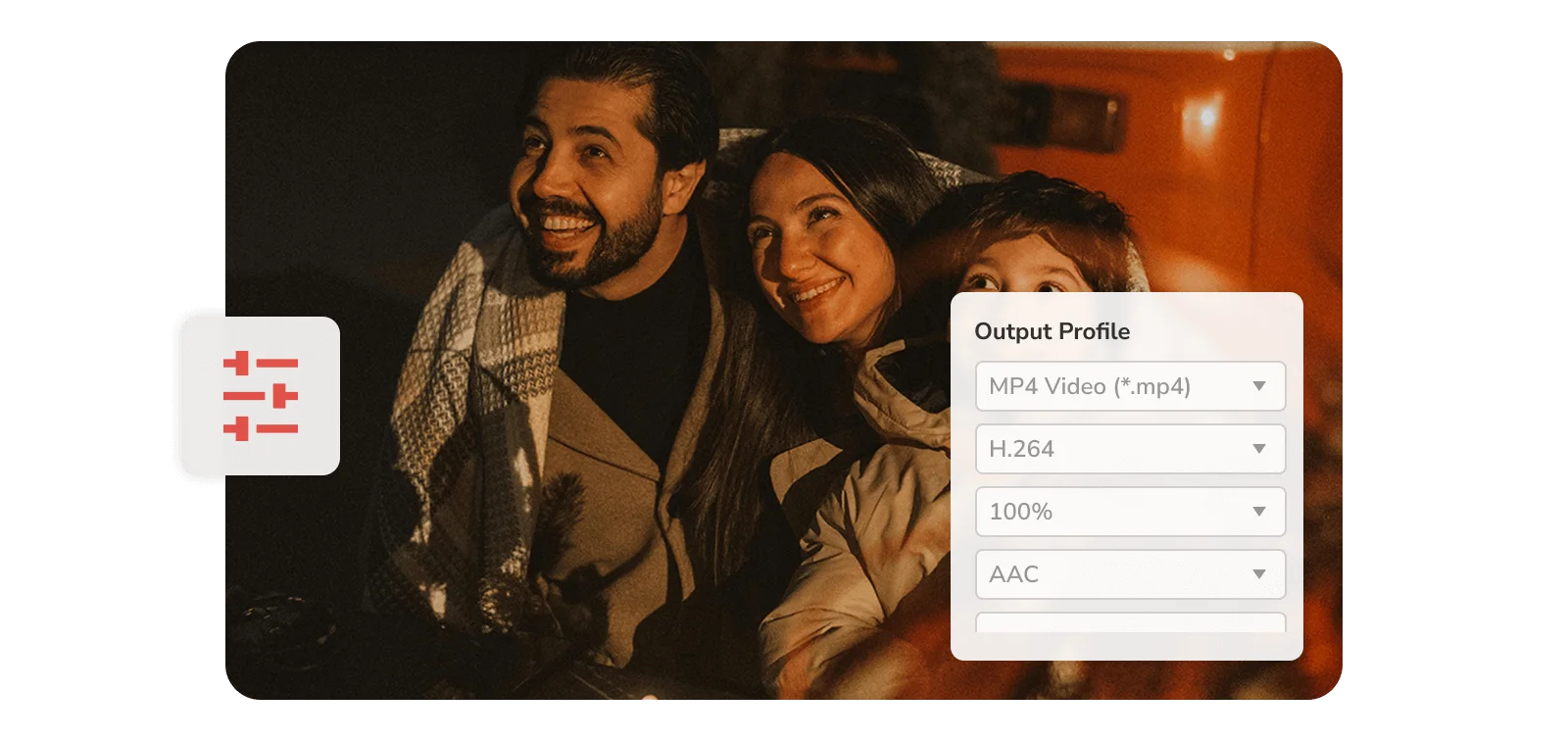
Save and Reuse Your Personalized Settings

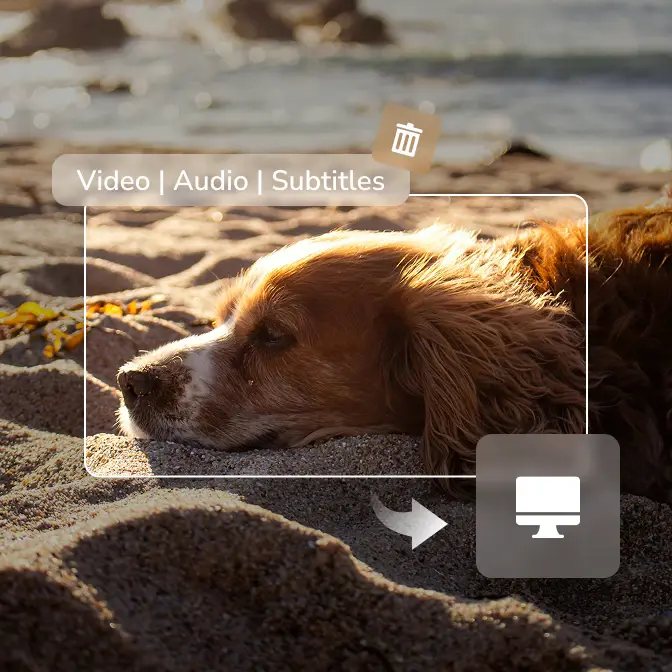
Save your custom settings as presets for future conversions and compression. Unlock 'Custom' mode to download videos exactly how you want: format, quality, audio tracks, subtitles, and more.

concurrent processing download multiple videos simultaneously

Save Multiple Videos or Audio Simultaneously

Maximize download efficiency by running multiple processes in parallel. Perfect for downloading entire playlists, channels, or batches of videos and audios at once.
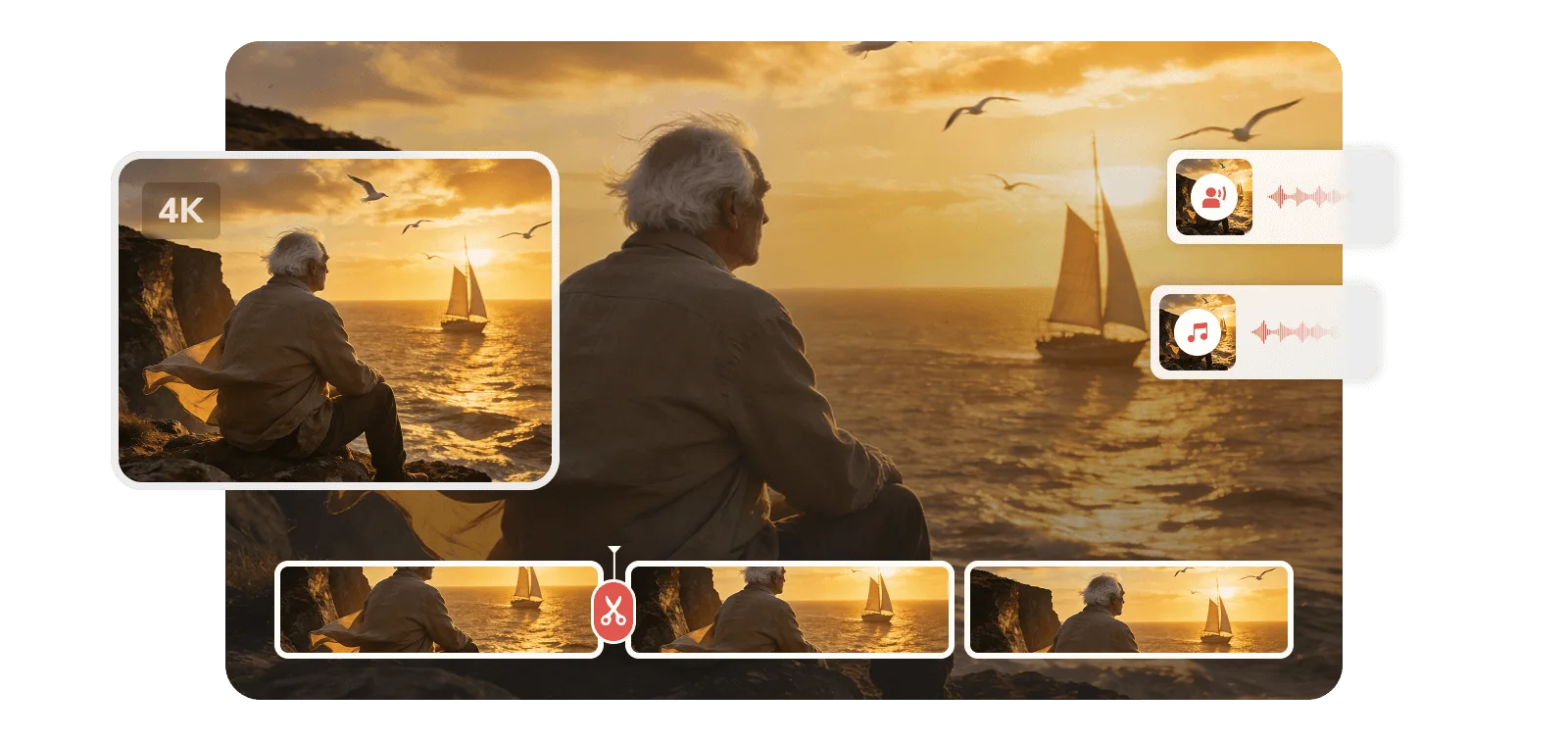
built-in ai tools in any video converter ultimate ai video editing tool in any video converter ultimate

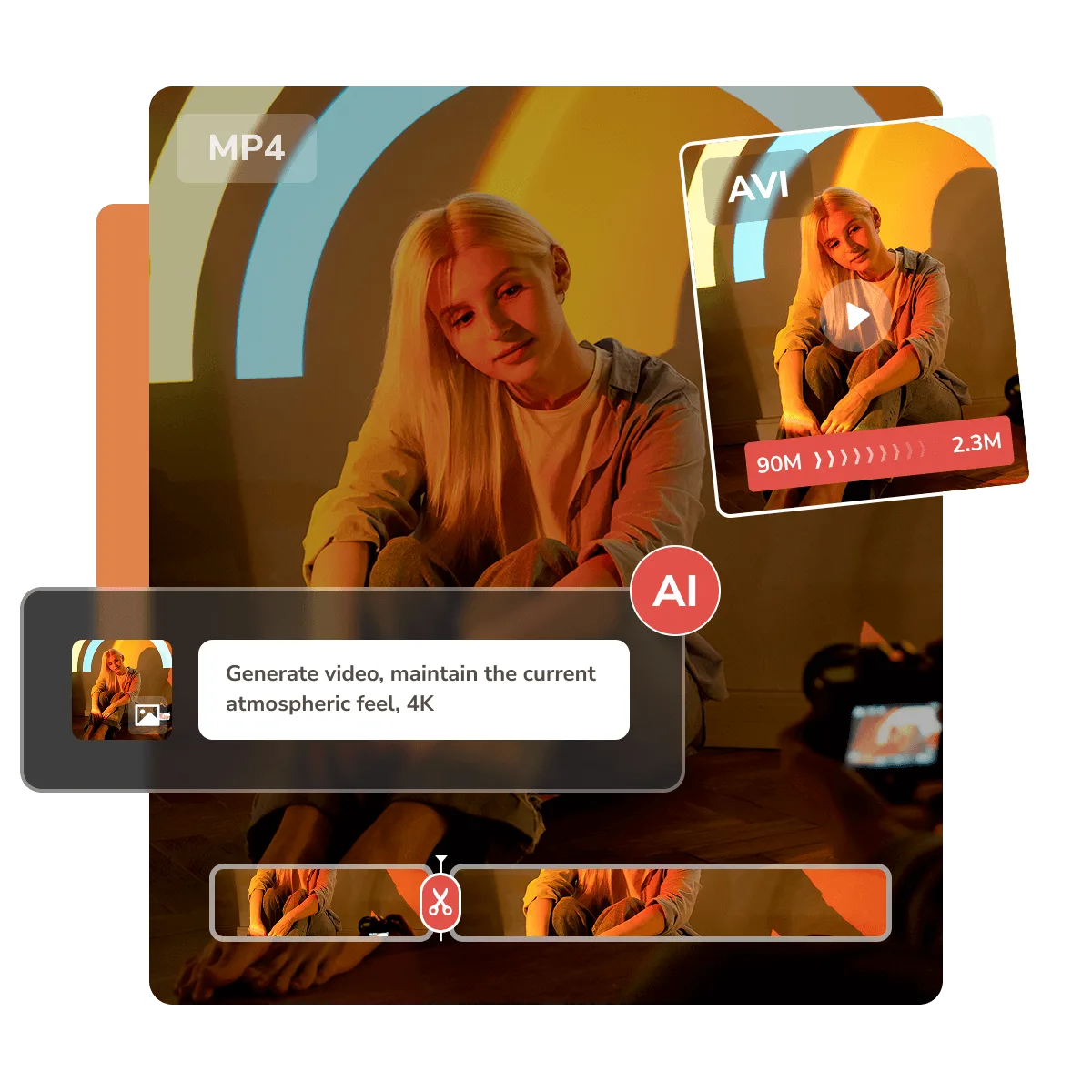
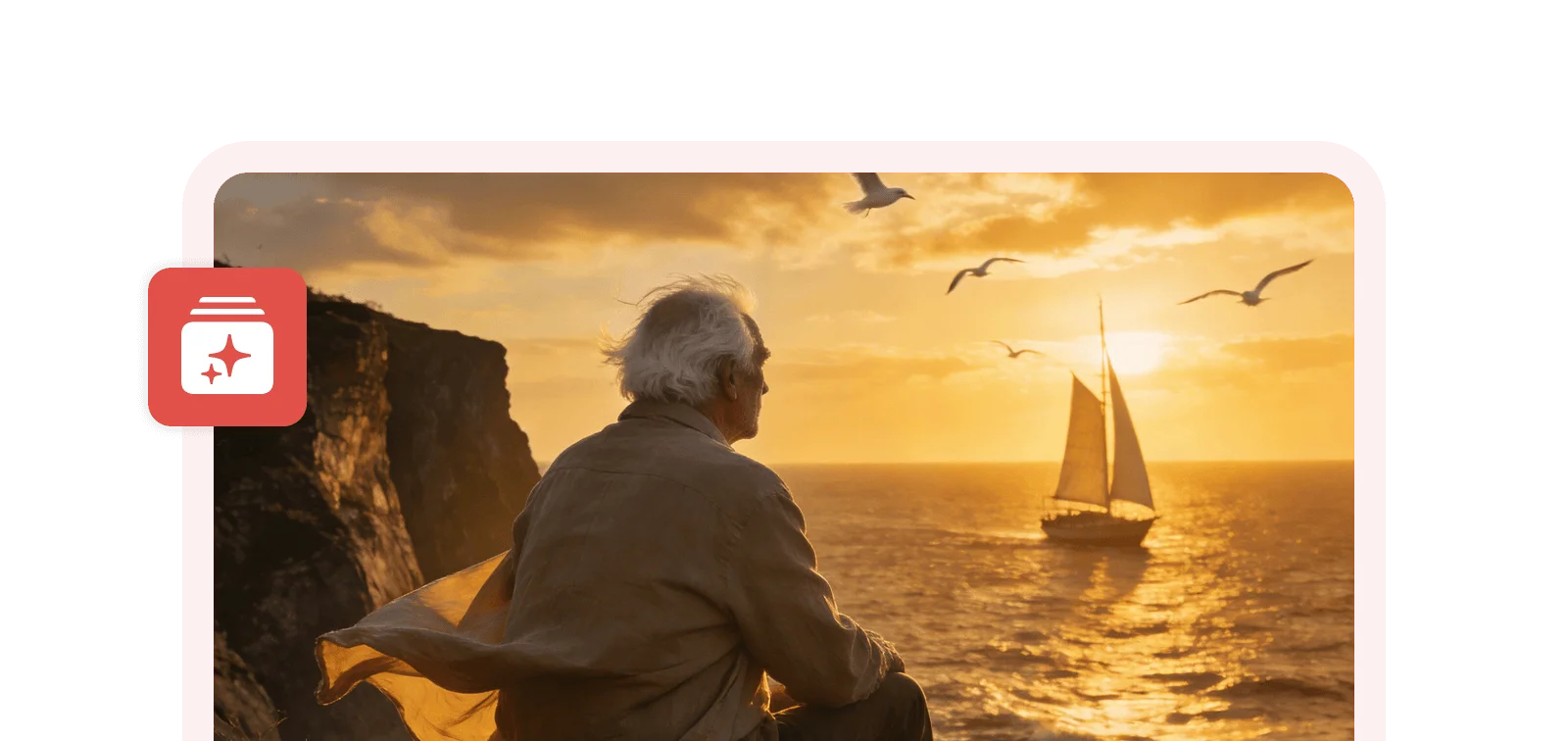
AI Generate, Enhance, Trim, Split, Transcribe, etc

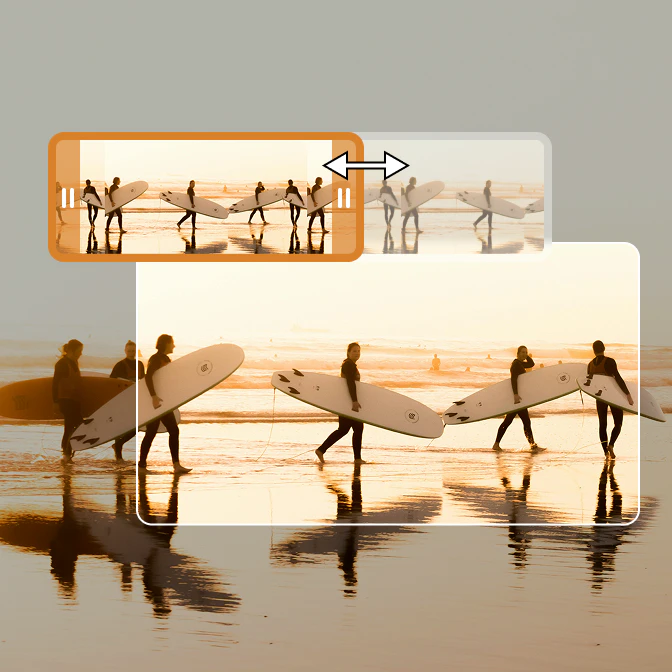
Unlock the full AI suite in Ultimate version to simplify your video workflow, including image and video generation, video enhancement, speech to text transcription, audio splitting, and more.
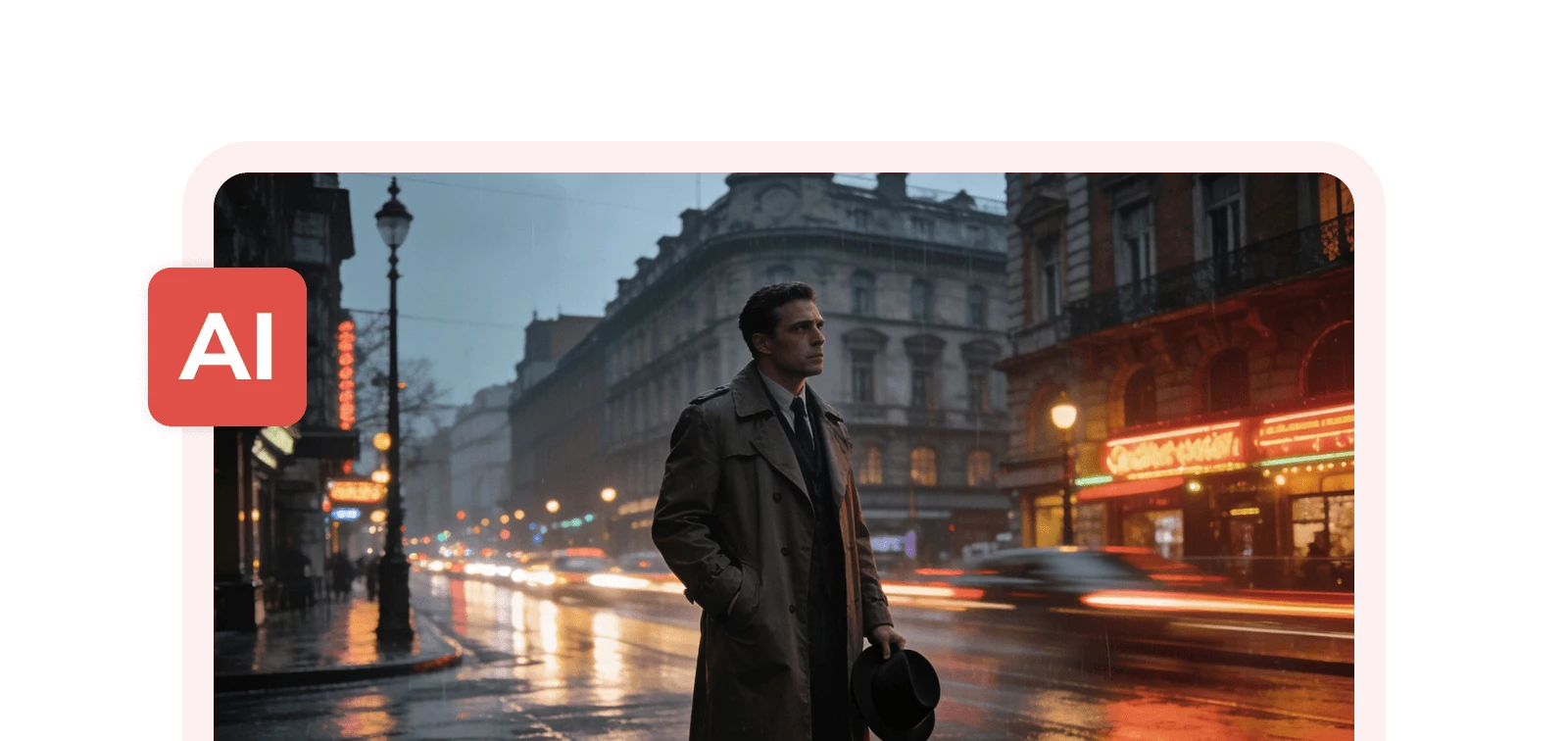
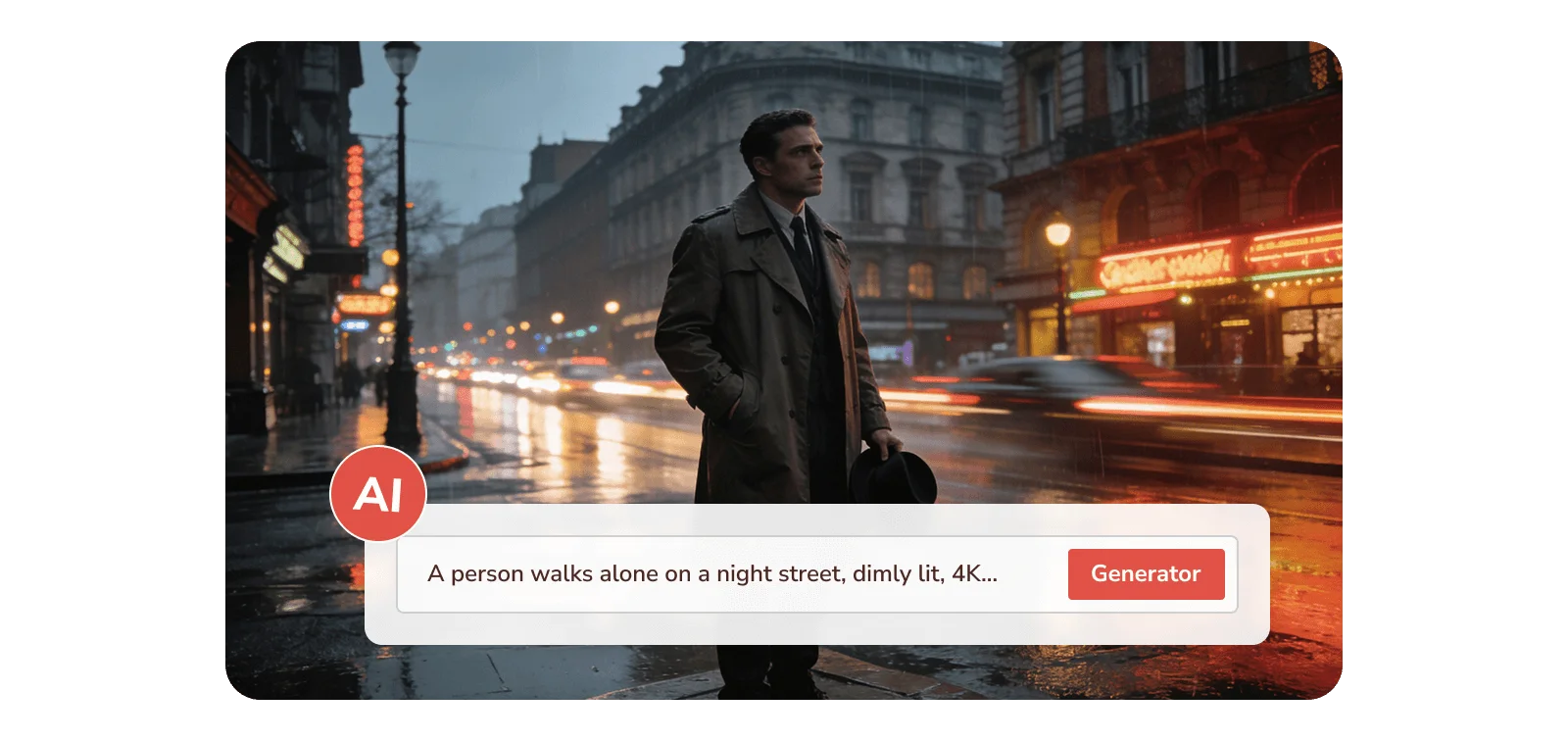
get free ai credits with any video converter ultimate ai generative tools in any video converter ultimate

Free Credits for Image and Video Generation

Enjoy free credits with Any Video Converter Ultimate to unleash the power of creativity: fully access AI generation tools, including text-to-image, image to video, and text-to-video.
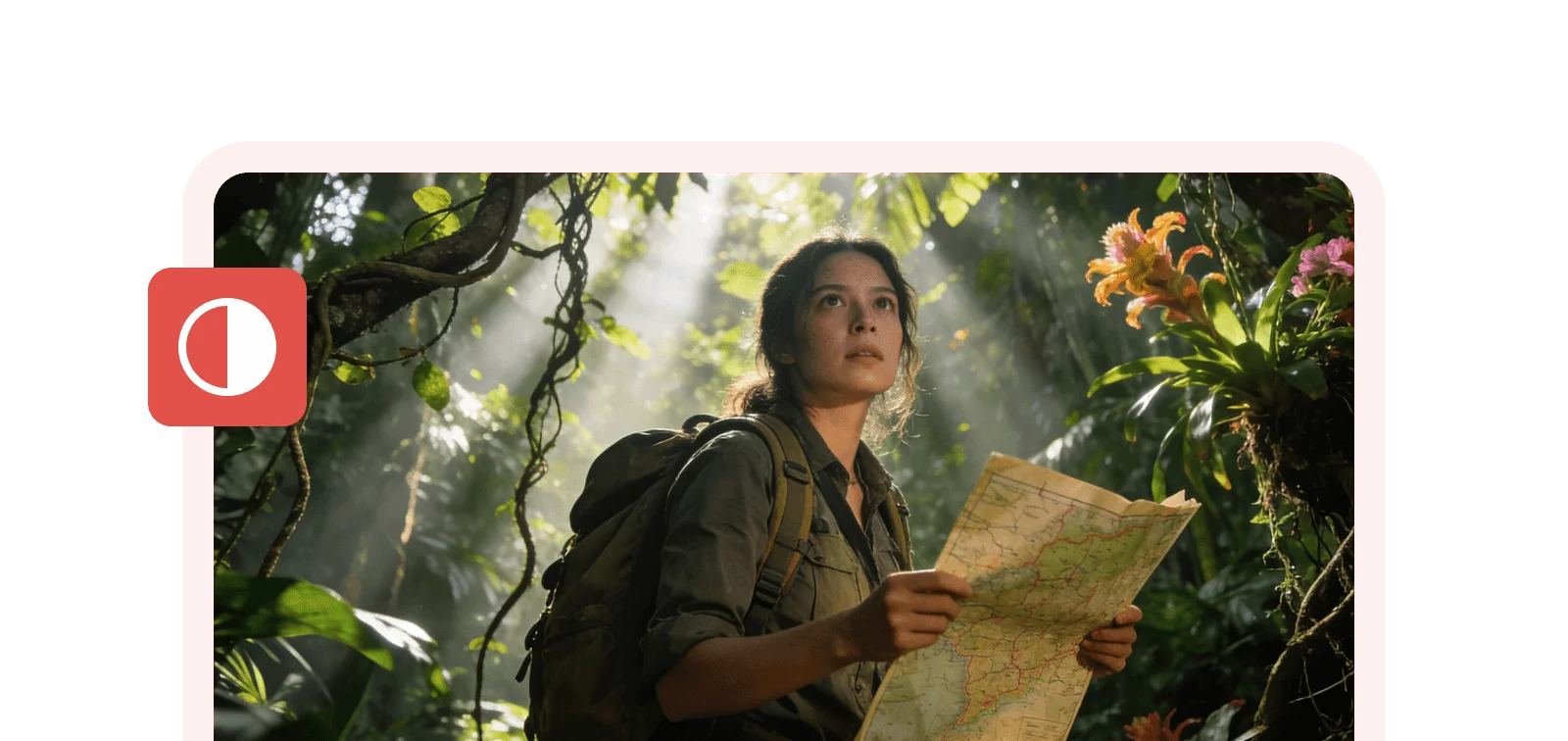
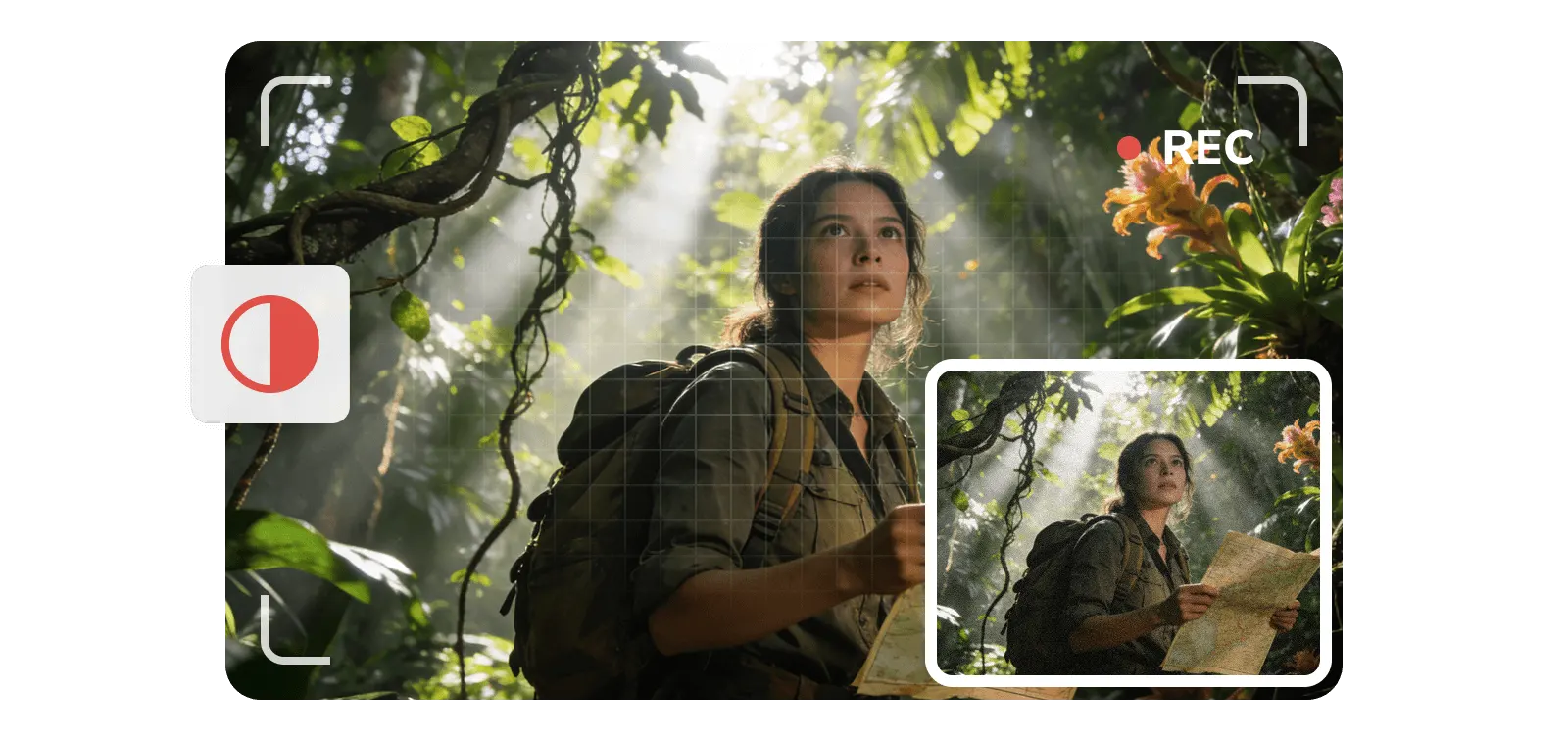
4k quality output download, record, and upscale video to 4k

Deliver Everything in 4K or Higher Quality

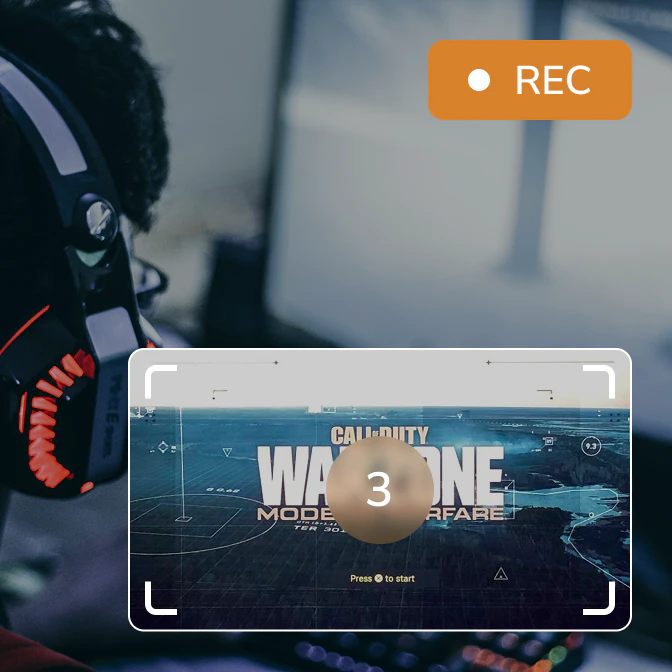
Experience cinematic 4K clarity on all your videos, whether you're downloading videos from online, recording video and screen, generating with AI, or restoring old videos.
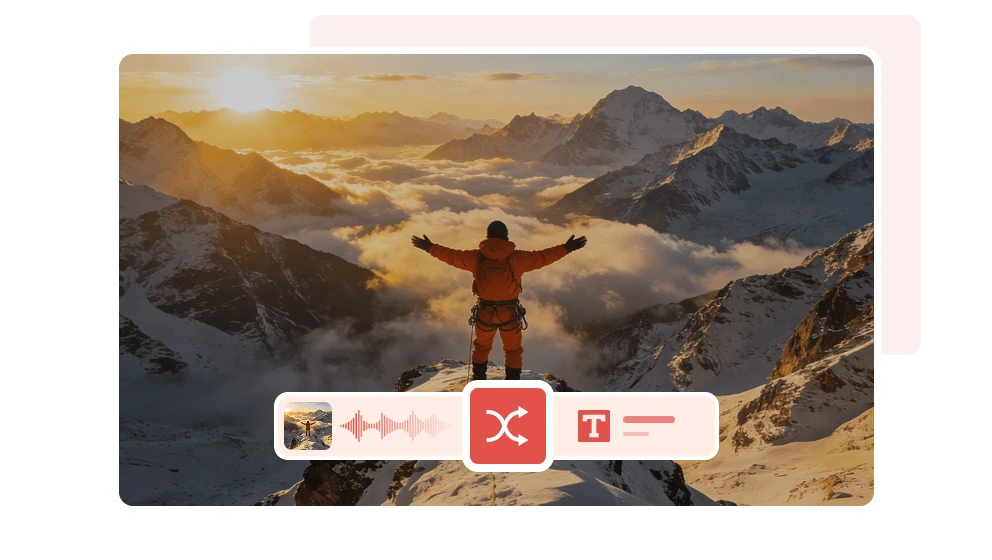
Unlock AI Tools and Bring Your Creativity into Life and Work

Turn inspiration into stunning visuals, polished videos, and ready-to-use text

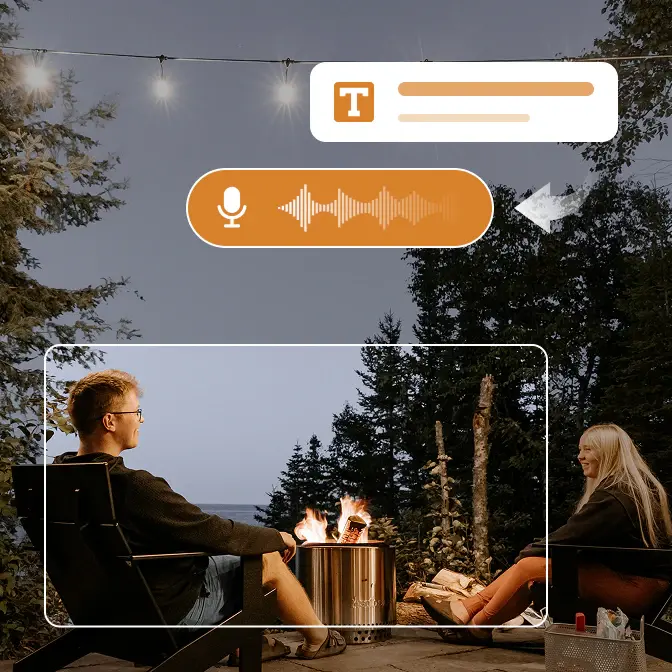
Transcribe Audio/Video to Text

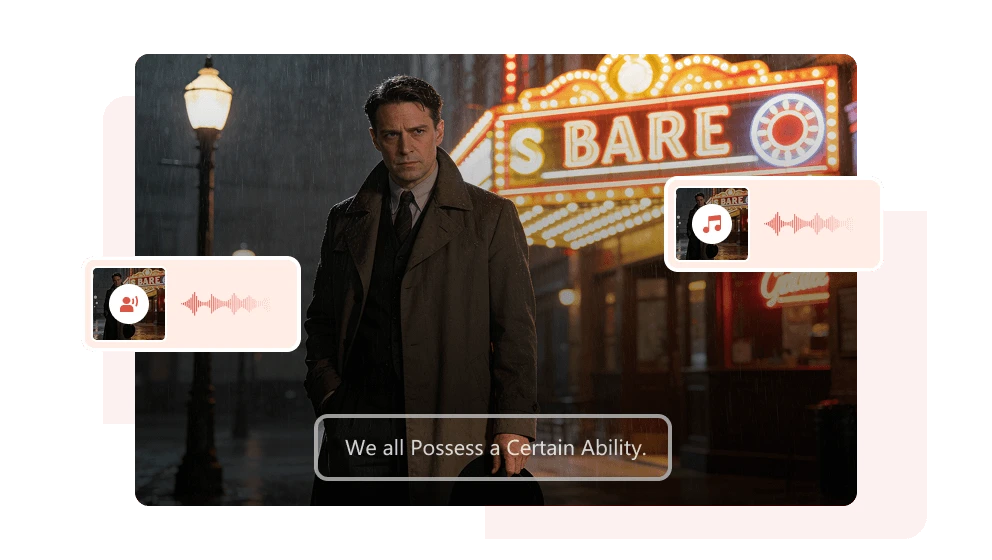
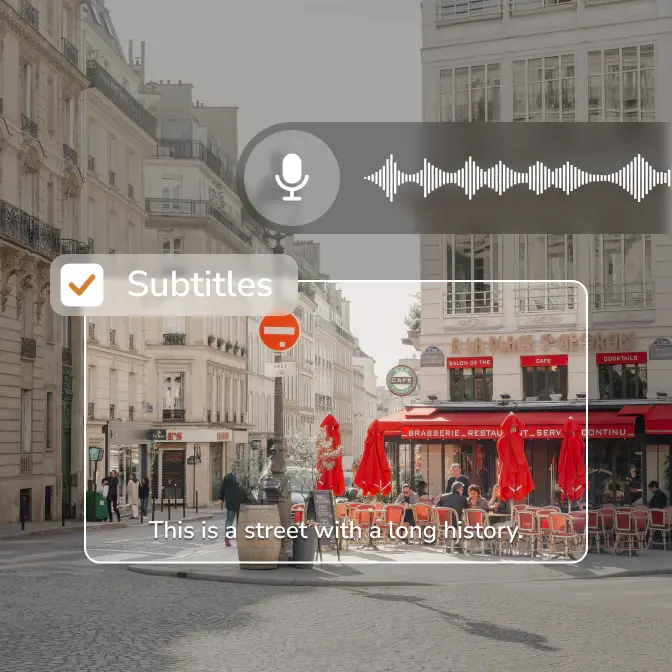
Auto-transcribe audio/video to text with the advanced model. Capture video (from screen or web) and produce verbatim transcripts and ready-to-use subtitles with configurable accuracy.

transcribe speech to text with ai

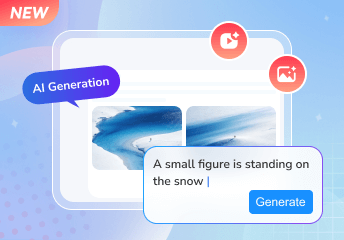
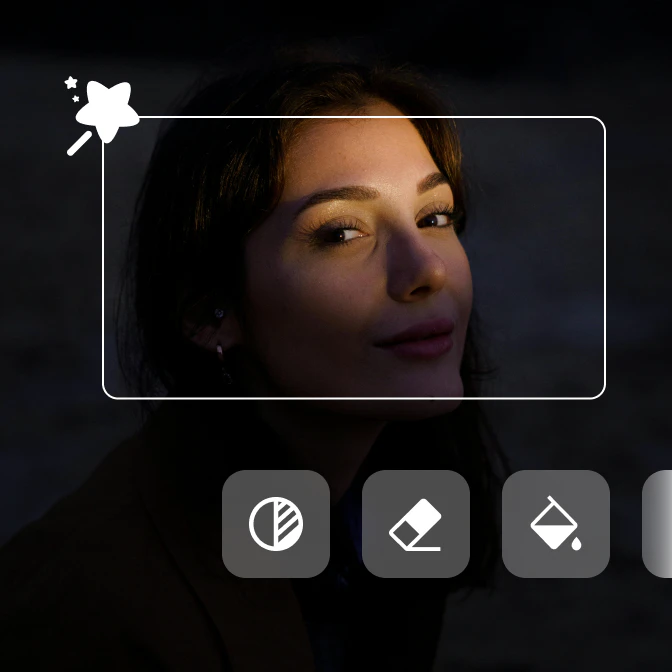
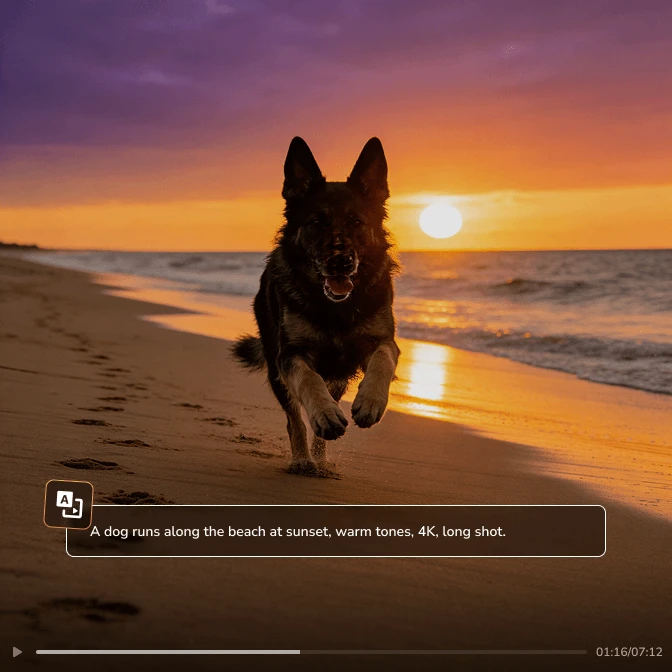
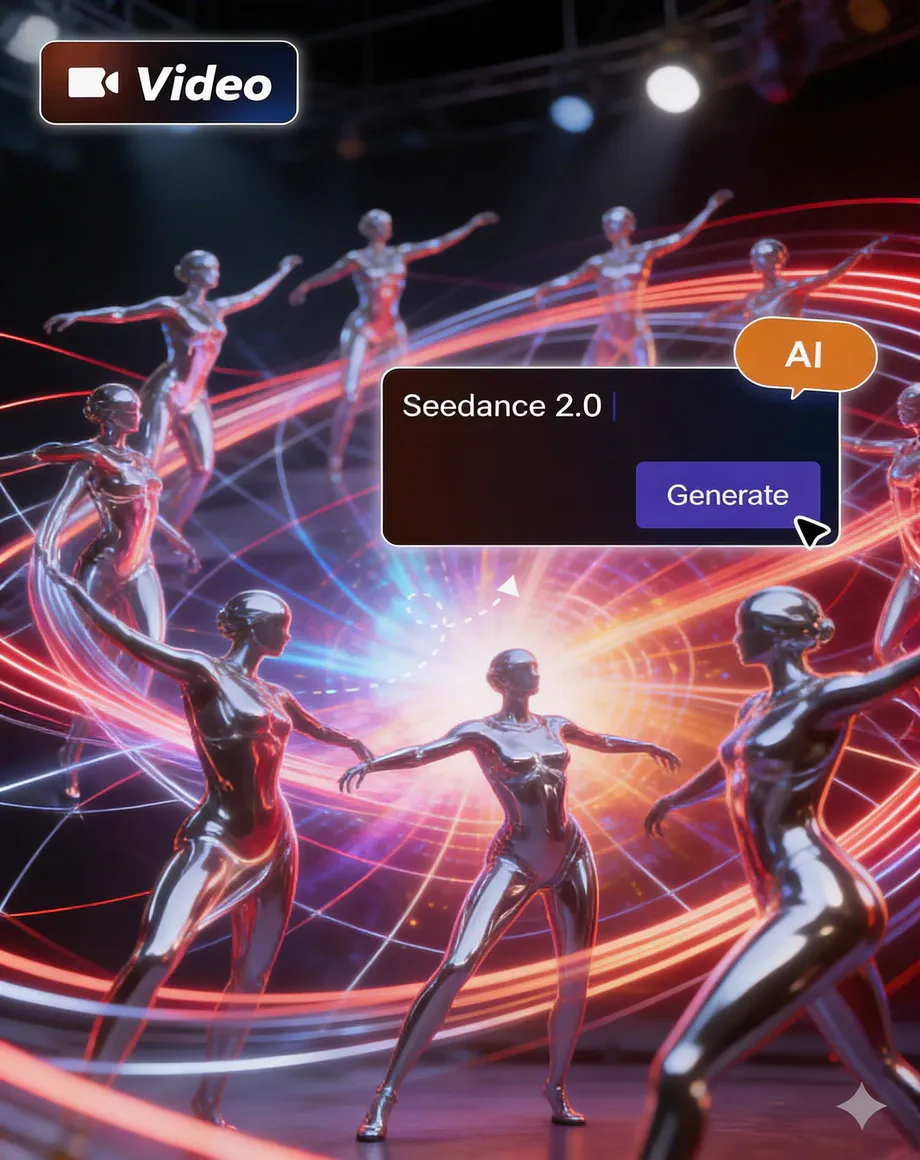
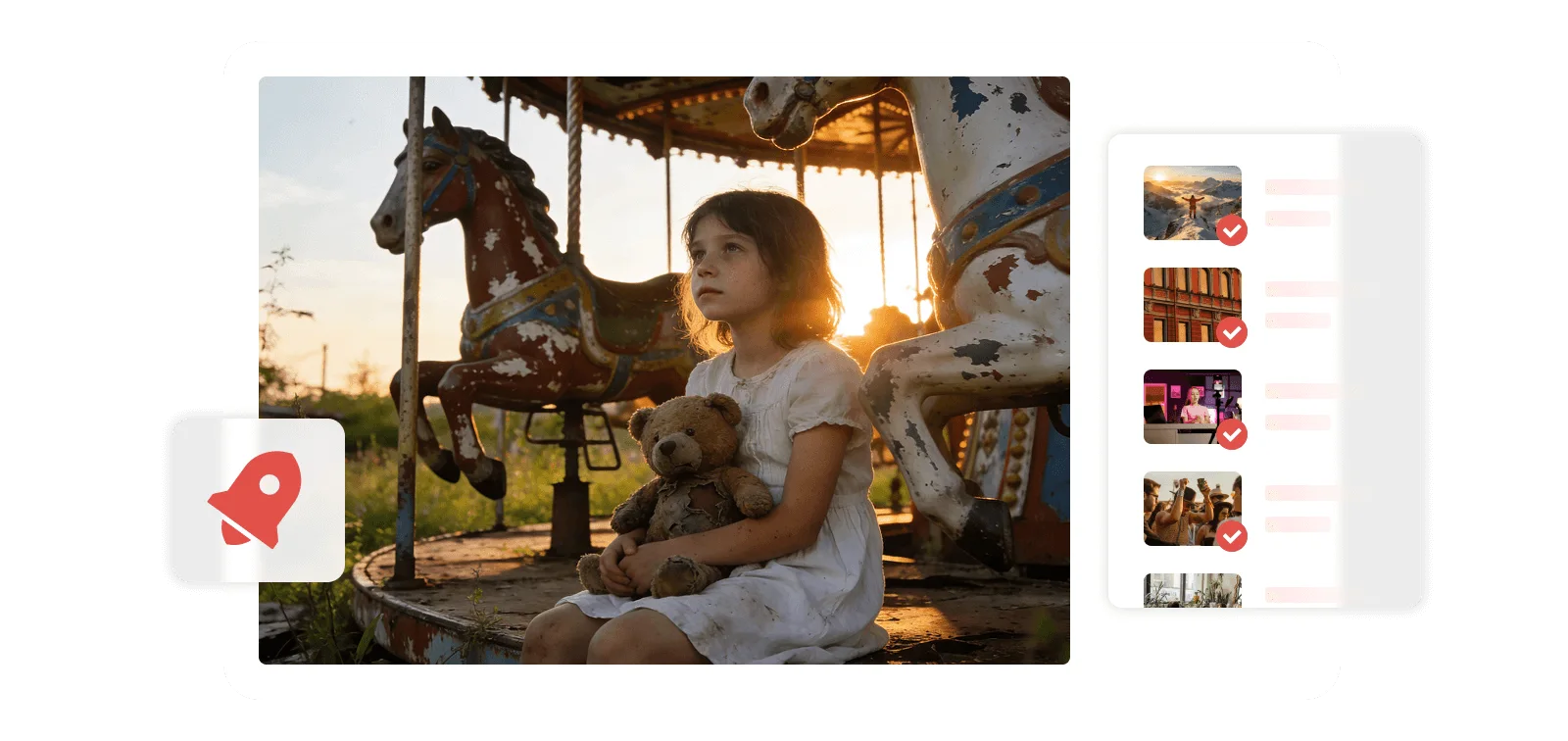
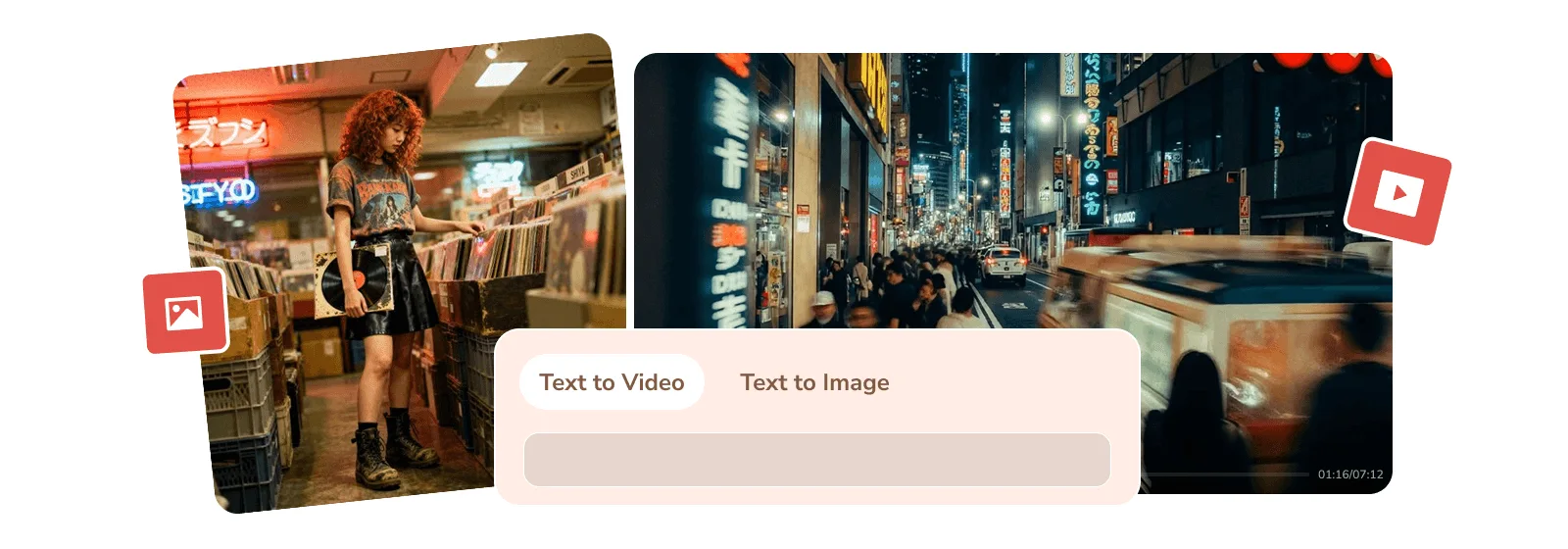
Generate Realistic Images and Videos with Prompt

Bring your ideas and inspirations to life and work with the AI generation tool. Use text prompts to create and transform images and 12-second videos quickly, easily, and in stunning detail.

ai generative to image and video

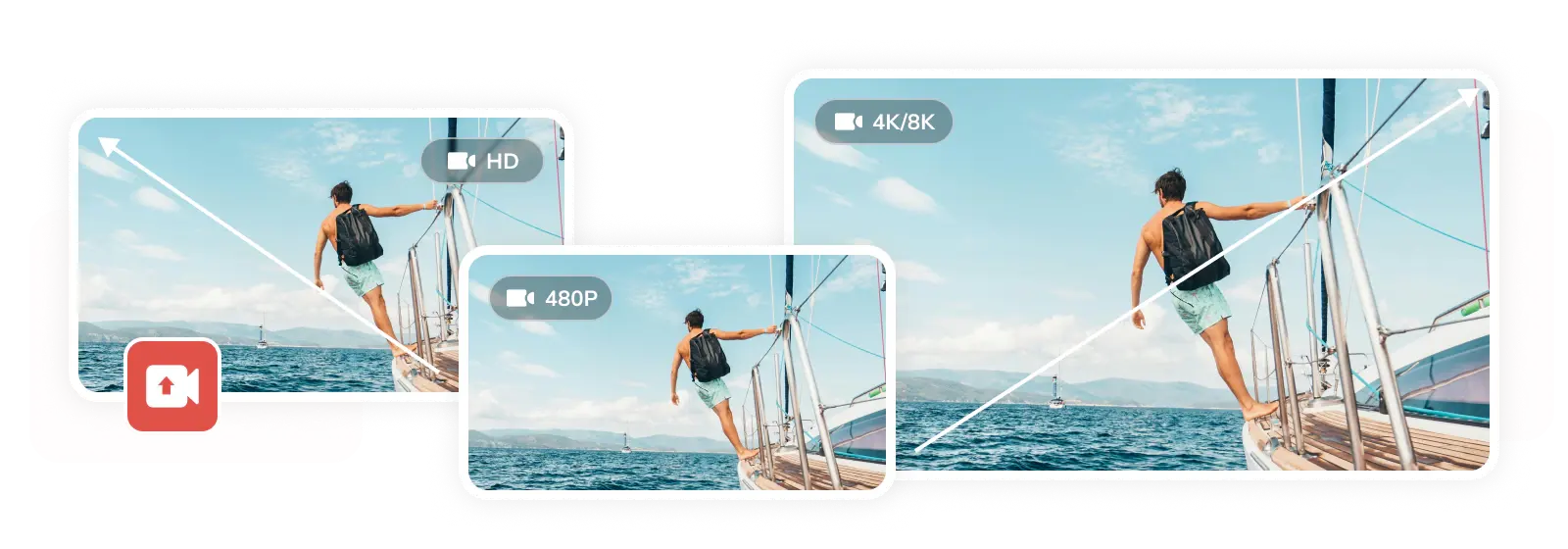
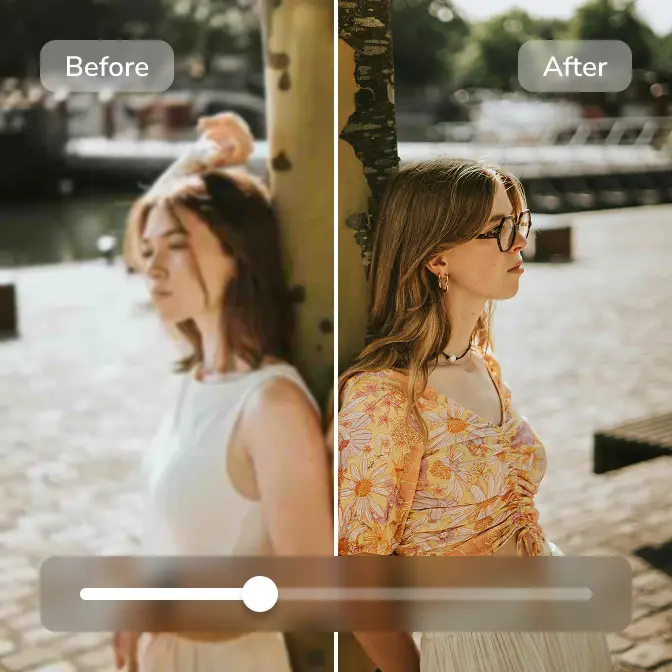
Upscale Video to 4K and 8K Quality

Revive your memories in stunning 4K with super resolution. Fix low-res, blurry, pixelated videos and enjoy your home movies, favorites, music videos, and classics with uncompromised clarity.

upscale video to 4k

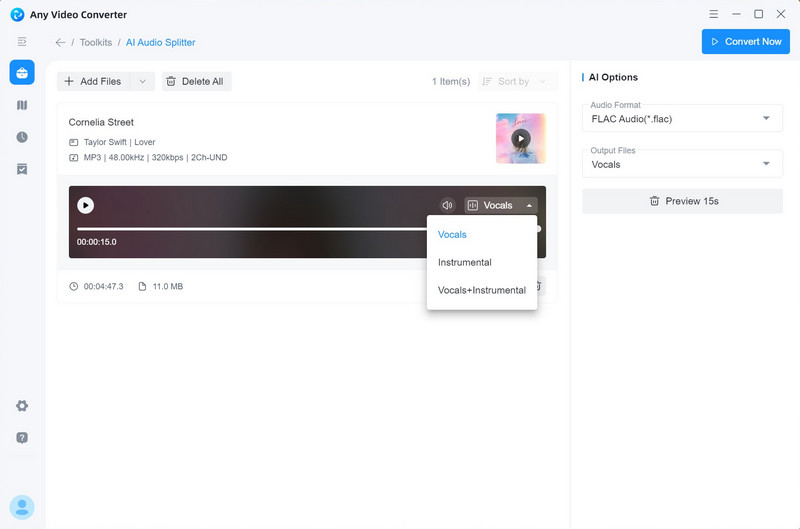
Extract Vocal and Instrumentals

Losslessly extract vocals and instruments from a song to get a karaoke or a cappella version for your audio mixing or soundtrack for your video project.

vocal remover to extract vocal and instrumental from music

Edit with Ease, Create with Freedom

Where lightweight editing meets AI-powered simplicity

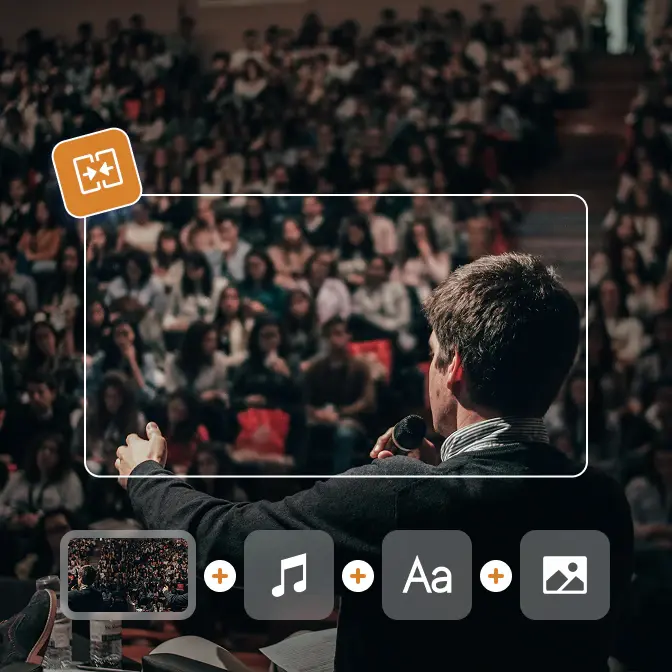
Editing Tools
AI Tools

What's New in Any Video Converter Ultimate

Discover the latest AI tools and improvements. View more > >

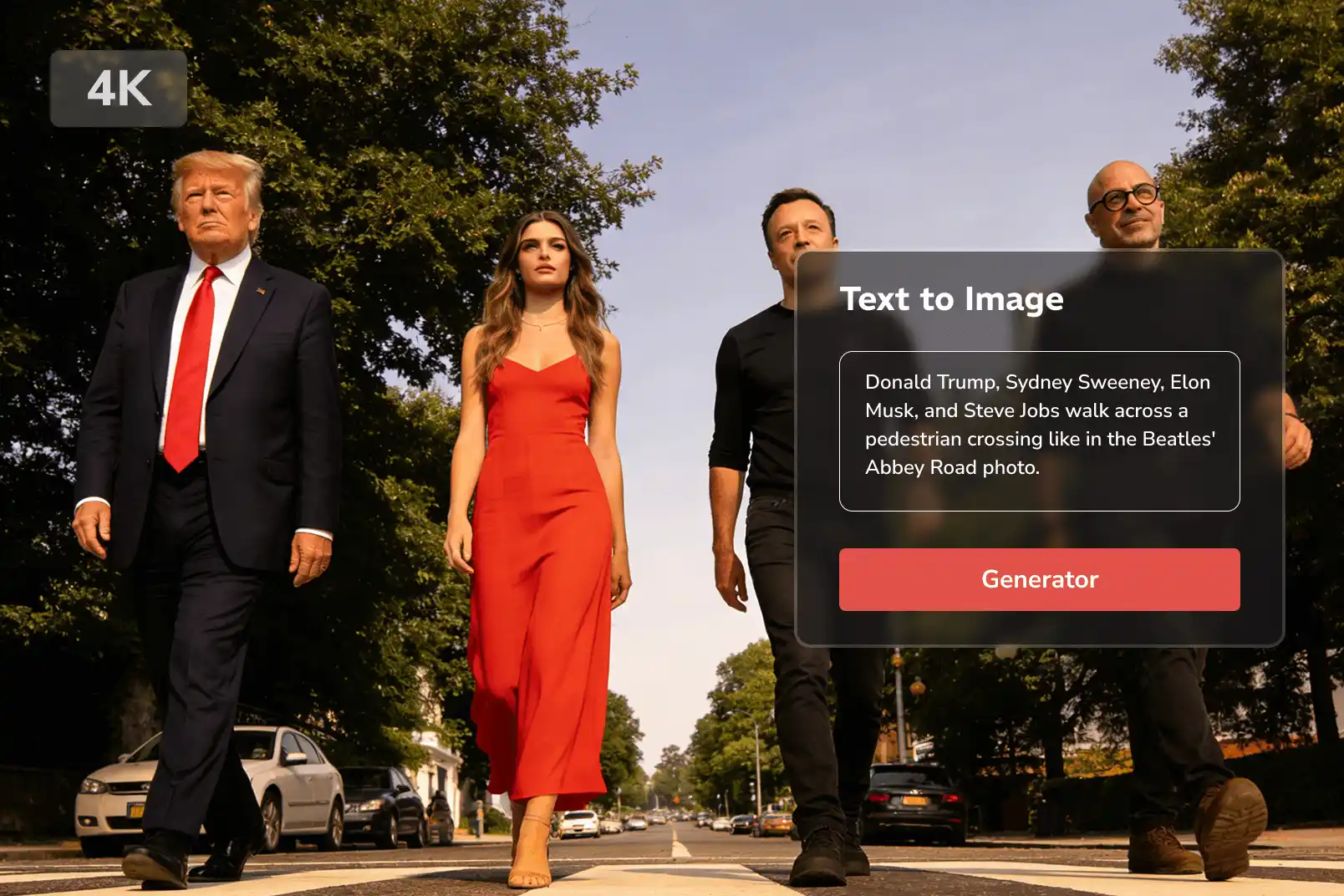
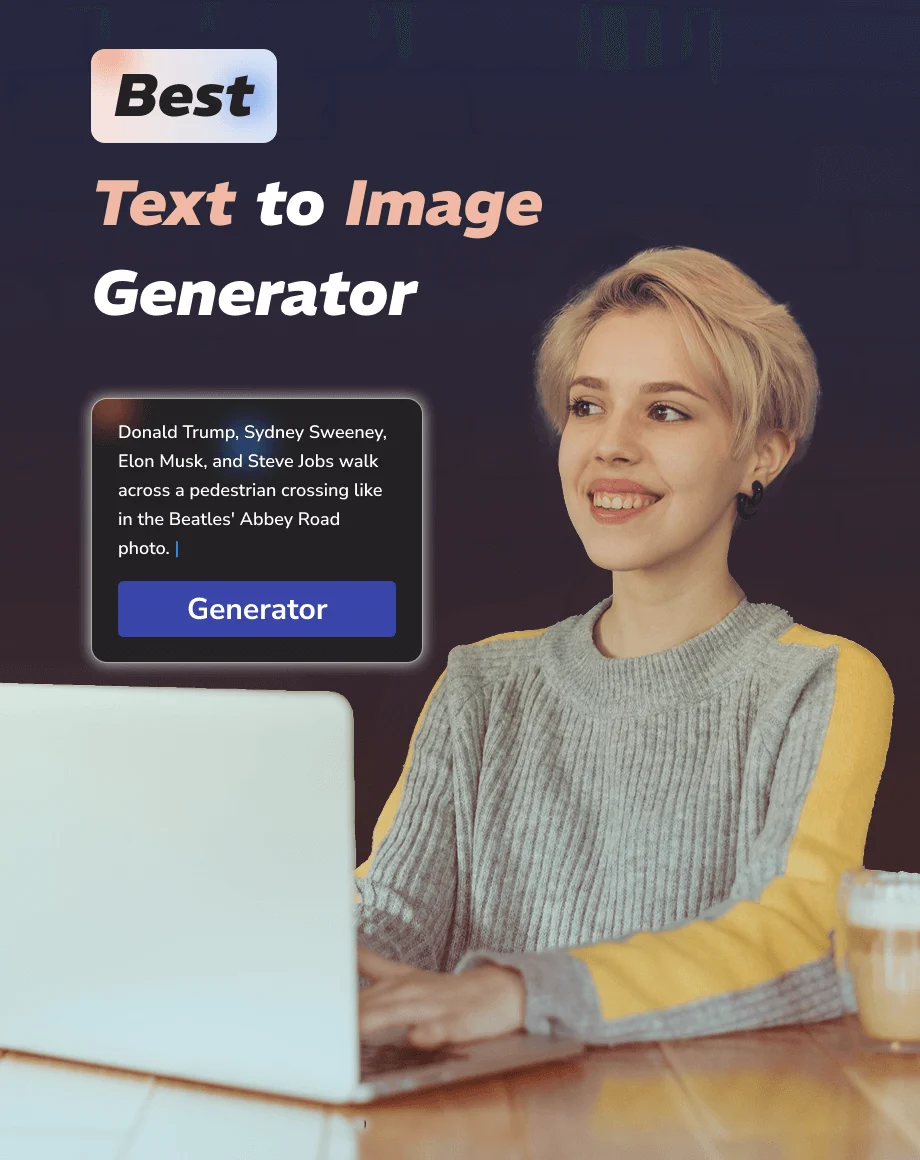
Convert Text to Image

Transform the text prompt into various visuals, including photography, illustrations, logos, posters, invitations, comics, and any other desired elements, in professional layout and design, ready for commercial use.

text to image generation

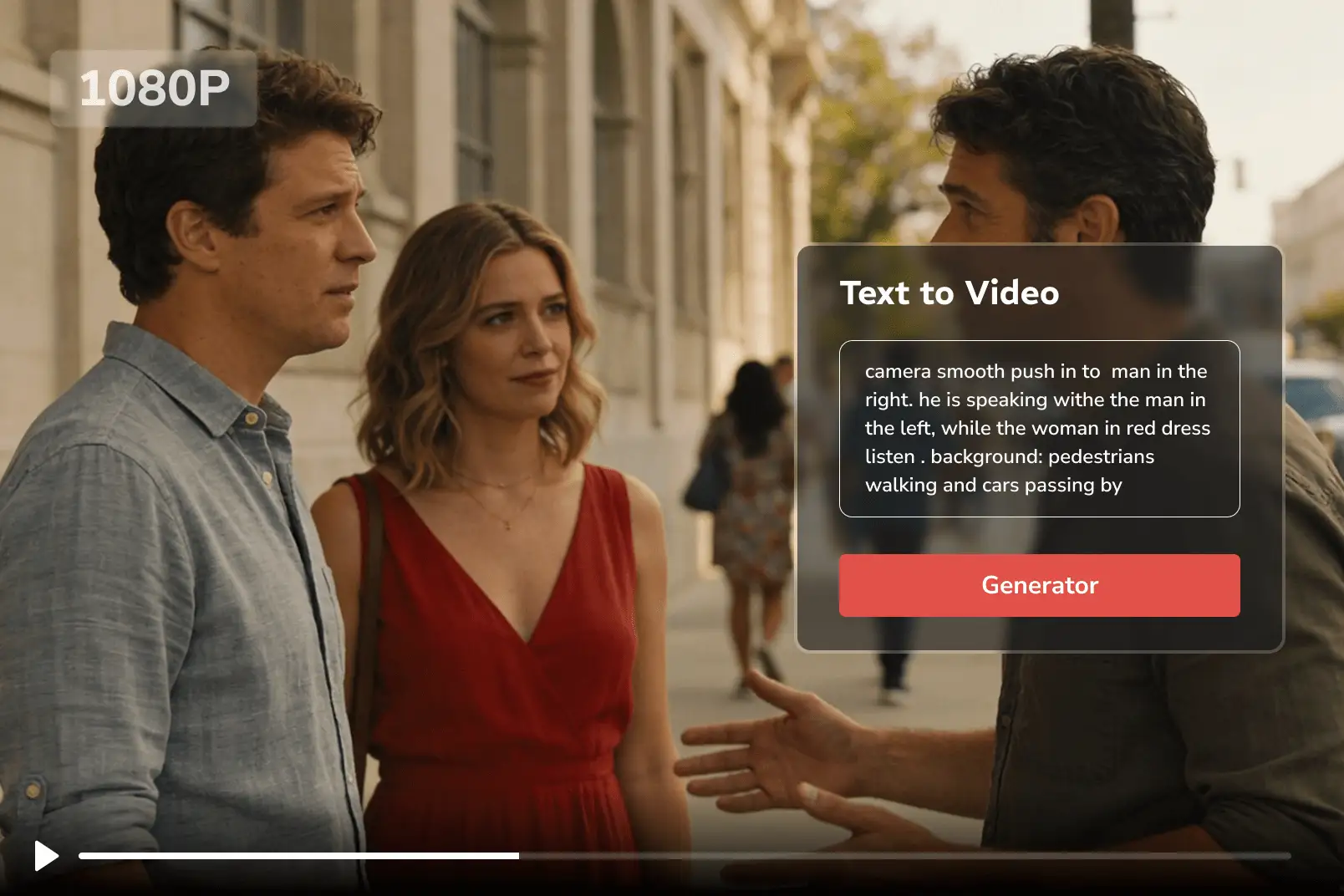
Convert Text to Video

Transform the text prompt into professional videos with the AI Video Generator of Any Video Converter. With the advanced generative model, you can generate videos up to 12 seconds long, in 720p or 1080p quality.

text to video generation

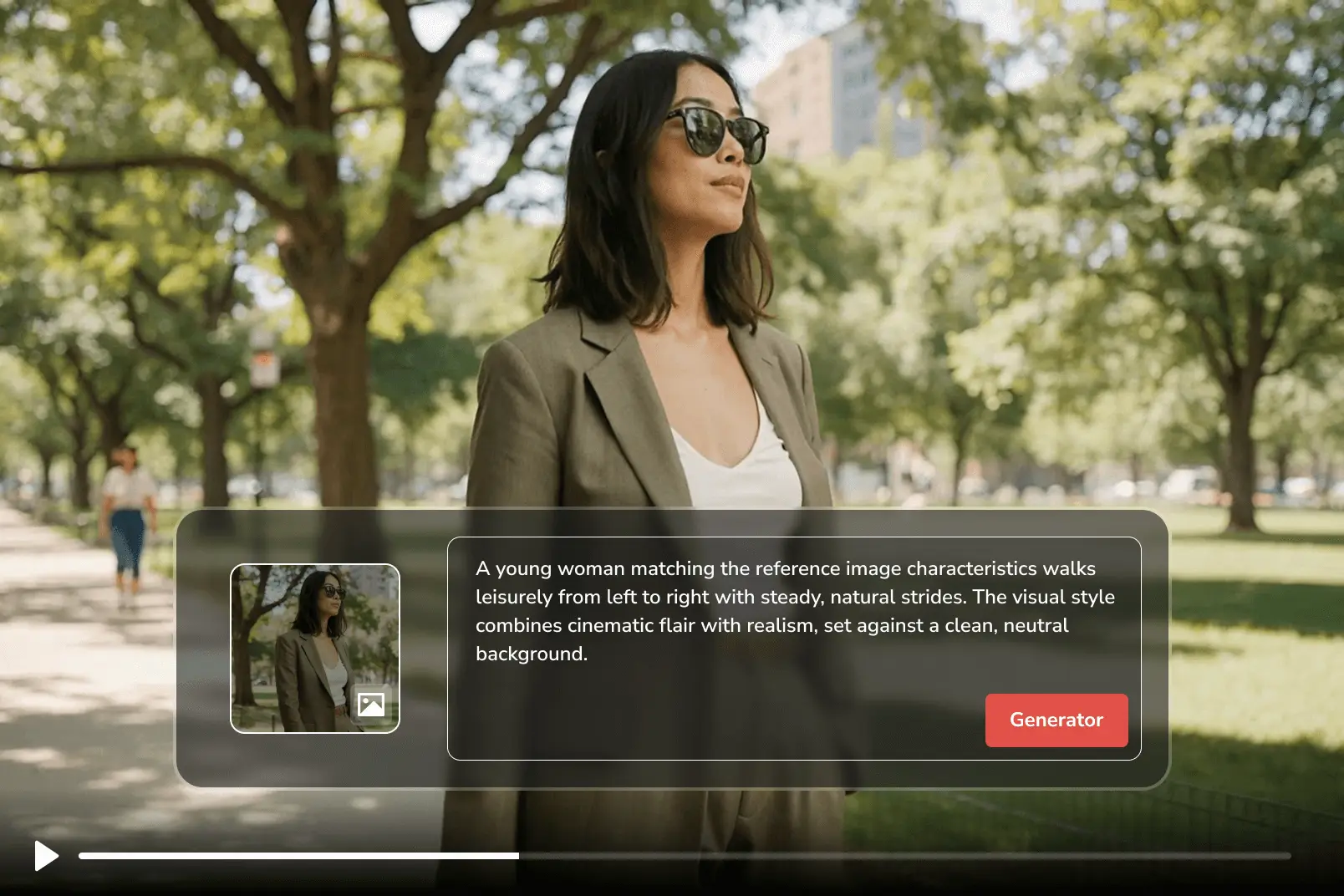
Convert Image to Video

Combine your text prompt and images to generate more professional videos, with improved accuracy and quality. Upload two images as the first frame and last frame of the video, and let AI generate animated visuals with smooth transitions and motion consistency.

image to video generation
text to image generation text to video generation image to video generation

Free vs. Pro. vs. Ultimate of Any Video Converter

Select the right version tailored to your needs

Monthly
Annual
Permanent
icon free

Free

  • icon checkboxUnlimited video downloads
  • icon checkbox1000+ formats conversion
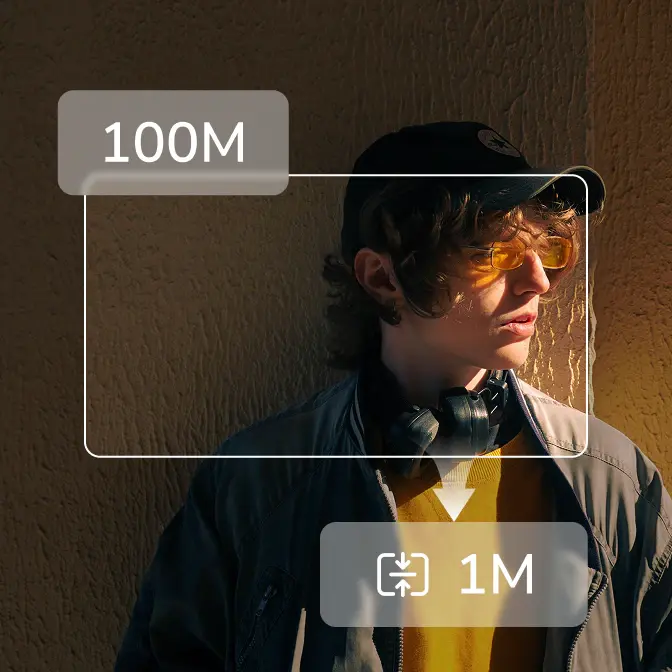
  • icon checkboxUnlimited video compression
  • icon checkboxBasic video editing tools
  • icon lockSave custom settings as presets
  • icon lockSave videos in your preferred format
  • icon lockAdvanced 'Custom' download mode
  • icon lockCurate your audio and subtitles
  • icon lockRecord screen in HD and 4K quality
  • icon lockBurn videos to DVD with templates
  • icon lockParallel power downloads
  • icon lockBonus credits for AI creation
  • icon lockImprove video quality with AI
  • icon lockAuto-transcribe media to text
  • icon lockSplit vocal & instrumental
icon ultimate

Ultimate

  • icon checkboxUnlimited video downloads
  • icon checkbox1000+ formats conversion
  • icon checkboxUnlimited video compression
  • icon checkboxBasic video editing tools
  • icon checkboxSave custom settings as presets
  • icon checkboxSave videos in your preferred format
  • icon checkboxAdvanced 'Custom' download mode
  • icon checkboxCurate your audio and subtitles
  • icon checkboxRecord screen in HD and 4K quality
  • icon checkboxBurn videos to DVD with templates
  • icon starParallel power downloads
  • icon star300 bonus credits for AI creation
  • icon starImprove video quality with AI
  • icon starAuto-transcribe media to text
  • icon starSplit vocal & instrumental
$29.95
Buy Now Buy Now
icon free

Pro.

  • icon checkboxUnlimited video downloads
  • icon checkbox1000+ formats conversion
  • icon checkboxUnlimited video compression
  • icon checkboxBasic video editing tools
  • icon checkboxSave custom settings as presets
  • icon checkboxSave videos in your preferred format
  • icon checkboxAdvanced 'Custom' download mode
  • icon checkboxCurate your audio and subtitles
  • icon checkboxRecord screen in HD and 4K quality
  • icon checkboxBurn videos to DVD with templates
  • icon lockParallel power downloads
  • icon lockBonus credits for AI creation
  • icon lockImprove video quality with AI
  • icon lockAuto-transcribe media to text
  • icon lockSplit vocal & instrumental
$19.95
Buy Now Buy Now
icon free

Free

  • icon checkboxUnlimited video downloads
  • icon checkbox1000+ formats conversion
  • icon checkboxUnlimited video compression
  • icon checkboxBasic video editing tools
  • icon lockSave custom settings as presets
  • icon lockSave videos in your preferred format
  • icon lockAdvanced 'Custom' download mode
  • icon lockCurate your audio and subtitles
  • icon lockRecord screen in HD and 4K quality
  • icon lockBurn videos to DVD with templates
  • icon lockParallel power downloads
  • icon lockBonus credits for AI creation
  • icon lockImprove video quality with AI
  • icon lockAuto-transcribe media to text
  • icon lockSplit vocal & instrumental
icon ultimate

Ultimate

  • icon checkboxUnlimited video downloads
  • icon checkbox1000+ formats conversion
  • icon checkboxUnlimited video compression
  • icon checkboxBasic video editing tools
  • icon checkboxSave custom settings as presets
  • icon checkboxSave videos in your preferred format
  • icon checkboxAdvanced 'Custom' download mode
  • icon checkboxCurate your audio and subtitles
  • icon checkboxRecord screen in HD and 4K quality
  • icon checkboxBurn videos to DVD with templates
  • icon starParallel power downloads
  • icon star600 bonus credits for AI creation
  • icon starImprove video quality with AI
  • icon starAuto-transcribe media to text
  • icon starSplit vocal & instrumental
$59.95 / $69.95
Buy Now Buy Now
$10 OFF
icon pro

Pro.

  • icon checkboxUnlimited video downloads
  • icon checkbox1000+ formats conversion
  • icon checkboxUnlimited video compression
  • icon checkboxBasic video editing tools
  • icon checkboxSave custom settings as presets
  • icon checkboxSave videos in your preferred format
  • icon checkboxAdvanced 'Custom' download mode
  • icon checkboxCurate your audio and subtitles
  • icon checkboxRecord screen in HD and 4K quality
  • icon checkboxBurn videos to DVD with templates
  • icon lockParallel power downloads
  • icon lockBonus credits for AI creation
  • icon lockImprove video quality with AI
  • icon lockAuto-transcribe media to text
  • icon lockSplit vocal & instrumental
$39.95
Buy Now Buy Now
icon free

Free

  • icon checkboxUnlimited video downloads
  • icon checkbox1000+ formats conversion
  • icon checkboxUnlimited video compression
  • icon checkboxBasic video editing tools
  • icon lockSave custom settings as presets
  • icon lockSave videos in your preferred format
  • icon lockAdvanced 'Custom' download mode
  • icon lockCurate your audio and subtitles
  • icon lockRecord screen in HD and 4K quality
  • icon lockBurn videos to DVD with templates
  • icon lockParallel power downloads
  • icon lockBonus credits for AI creation
  • icon lockImprove video quality with AI
  • icon lockAuto-transcribe media to text
  • icon lockSplit vocal & instrumental
icon ultimate

Ultimate

  • icon checkboxUnlimited video downloads
  • icon checkbox1000+ formats conversion
  • icon checkboxUnlimited video compression
  • icon checkboxBasic video editing tools
  • icon checkboxSave custom settings as presets
  • icon checkboxSave videos in your preferred format
  • icon checkboxAdvanced 'Custom' download mode
  • icon checkboxCurate your audio and subtitles
  • icon checkboxRecord screen in HD and 4K quality
  • icon checkboxBurn videos to DVD with templates
  • icon starParallel power downloads
  • icon star700 bonus credits for AI creation
  • icon starImprove video quality with AI
  • icon starAuto-transcribe media to text
  • icon starSplit vocal & instrumental
$69.95 / $89.95
Buy Now Buy Now
$20 OFF
icon pro

Pro.

  • icon checkboxUnlimited video downloads
  • icon checkbox1000+ formats conversion
  • icon checkboxUnlimited video compression
  • icon checkboxBasic video editing tools
  • icon checkboxSave custom settings as presets
  • icon checkboxSave videos in your preferred format
  • icon checkboxAdvanced 'Custom' download mode
  • icon checkboxCurate your audio and subtitles
  • icon checkboxRecord screen in HD and 4K quality
  • icon checkboxBurn videos to DVD with templates
  • icon lockParallel power downloads
  • icon lockBonus credits for AI creation
  • icon lockImprove video quality with AI
  • icon lockAuto-transcribe media to text
  • icon lockSplit vocal & instrumental
$49.95 / $79.95
Buy Now Buy Now
$30 OFF

The Final Reason to Upgrade: Your All-in-One Creative Suite

icon all in one toolkit
Swiss Army Knife

Stop juggling different tools and software. One tool. Infinite possibilities.

icon hassle free video tool
Hassle-Free

Say goodbye to interruptions. Experience a workspace with zero distractions.

icon priority support
Priority Support

Faster response times, expert-level troubleshooting, and instant solutions.

icon free updates
Free Updates

Enjoy unlimited access to every major version and feature update. No extra fees.

icon trusted by millions of users
Proven Legacy

23 years of innovation, trusted by millions of users and creators worldwide.

icon more ai tools
Growing AI Suite

Get full access to our entire roadmap of future AI tools at no additional cost.

Unlock Your Vision: Creative Workflow with Ultimate Version

Harness AI tools, precise editing, and transform raw footage into compelling stories

Step 1

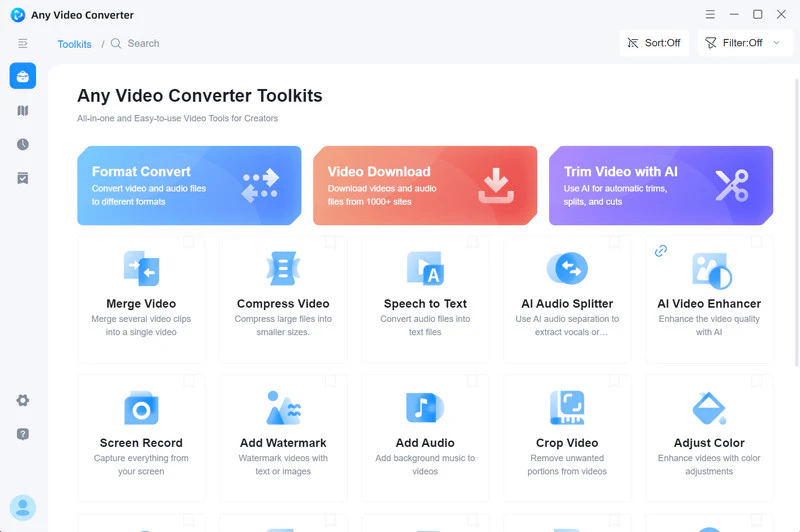
Select a Tool You Prefer

Launch Any Video Converter Ultimate and pick the perfect tool for your project.

select a tool in any video converter

Launch Any Video Converter Ultimate and pick the perfect tool for your project.

select a tool in any video converter

Step 2

Customize & Process

For Editing: Drag and drop your videos, audio, or entire folders into the workspace, then adjust the settings to match your needs.

For AI Generation: Input a clear, precise prompt, then let AI transform your ideas into high-quality images or video clips in seconds.

edit with ai in any video converter ultimate

For Editing: Drag and drop your videos, audio, or entire folders into the workspace, then adjust the settings to match your needs.

For AI Generation: Input a clear, precise prompt, then let AI transform your ideas into high-quality images or video clips in seconds.

edit with ai in any video converter ultimate

Step 3

Refine & Perfect

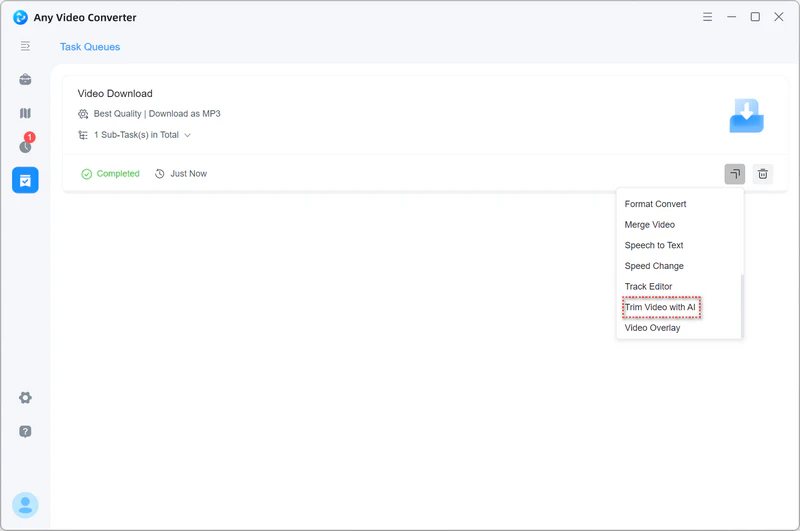
Your workflow doesn't have to stop there. After processing, click the 'More Tools' icon to directly open your processed file into another tool. Fine-tune and polish your edits until your vision is complete.

open in another tool

Your workflow doesn't have to stop there. After processing, click the 'More Tools' icon to directly open your processed file into another tool. Fine-tune and polish your edits until your vision is complete.

open in another tool

Trusted by Millions. Loved by Creators

Explore honest reviews and see why users choose Any Video Converter Ultimate

I've been using AVC Ultimate for two years and really love the product for its ease of use, clean interface, wide variety of tools and options, and great quality. AVC also has a vast amount of online support help pages with easy-to-understand directions and photos.

user avater
Theresa
five star

Any Video Converter Ultimate is an impressive and versatile tool that gets the job done smoothly. The interface is user-friendly, making it easy for both beginners and advanced users to navigate. I especially appreciate its wide range of format options, allowing you to convert almost any video file to your desired format.

user avater
Teddy Burckhardt
five star

I highly recommend Any Video Converter Ultimate (the upgraded version) for your software collection. My main reasons are the following - AVC has user-friendly features, drag and drop capabilities, and batch conversion options which make Any Video Converter an excellent application for everyone, even the technically challenged, so jump right in folks and try them for yourselves.

user avater
Leonie Singh
five star

I recommend Any Video Converter Ultimate not only for its conversion tool but for all other functions, including the video player, which displays a smooth image, screen recorder, DVD/CD import, and video editing.

user avater
Tino
five star

I have been using Any Video Converter Ultimate for a number of years now, and it has become one of my useful utilities for working with video and extracting audio. I am a teacher and musician, and often make videos to demonstrate various tips and techniques to help illustrate aspects for my students. And I have found it very important to sometimes need to change the size of the video file.

user avater
Scott Ryan Johnson
five star

I use it a great deal for my projects, and it normally works magnificently. Overall, my experience with this multimedia software has been overwhelmingly positive. The toolkit has a selection of video and audio editing and montage elements. If you need more functions, you can have a try with Ultimate.

user avater
Syed Danyal Ahmed
five star
Excellent 4.8 star 4.8 on green star icon trustpilot
Also Trusty by Medias: logo teachradar logo cnet logo sourceforge logo wikipedia

All-in-one Toolkit for Your Video Workflow

Convert, download, generate, record, enhance, and edit video seamlessly

FAQs about Any Video Converter Ultimate

What is an AI video editor?

An AI video editor is software or an online tool equipped with advanced AI features designed to simplify and automate complex or repetitive video editing tasks. Common AI-powered functions include blurring videos, color correction, background removal, video conversion, video stabilization, resolution enhancement, and more.

Beyond these editing capabilities, AI-generated content (AIGC) plays a growing role in AI video editing by enabling the automatic generation of videos, images, captions, and other creative assets, further streamlining the content creation process.

What are the best AI video editing tools?

AI video editing tools come in various types, each designed to meet different user needs. Here's an overview of the best AI video editing tools categorized by their core functionalities:

Adobe Premiere Pro is recognized as the top professional AI video editor. It offers advanced AI-powered features such as auto reframe, scene edit detection, color matching, and speech-to-text transcription, enabling efficient and precise editing workflows.

Runway ML and Soar AI specialize in automatically generating videos using AI, allowing creators to produce video content with minimal manual effort.

Descript is an excellent AI tool for automatic transcription, enabling users to convert video speech to text and also create videos from text input.

Any Video Converter Ultimate offers a suite of individual AI-powered features designed for ease of use, including text to image and text to video generation, speech to text transcription, vocal removal, video enhancement, and smart trimming, ideal for users who prefer using specific AI tools separately.

What is Any Video Converter Ultimate?

Any Video Converter is available in three versions: Free, Pro, and Ultimate. Ultimate includes everything from the Free and Pro versions, plus extra features like:

Parallel downloads;

AI generative tools;

Unlimited access to all AI tools.

Ultimate version gives users the most value, unlocking everything you need and more.

Is Any Video Converter Ultimate safe?

Yes, Any Video Converter Ultimate is safe. Any Video Converter is a trusted name for 23 years. Safe, clean, and reliable, no viruses, no bundled software.

It runs locally on your PC or Mac, keeping all your files private and secure. No data collection, no sharing, just smooth, worry-free media processing.

Is Any Video Converter Ultimate a lifetime license?

Any Video Converter Ultimate V7 comes with a lifetime license. Starting from V9.1.0, we offer monthly, yearly, and perpetual licenses to give you more flexibility.

Can I upgrade if I already have a V7 lifetime license?

Yes! Users with a V7 lifetime license can upgrade to V9 or later versions for free. No extra cost, just contact us for the free upgrade!

Convert Anything Effortlessly: Tools for Every Format

Stop struggling with incompatible files. Get the right solution and get back to creating

Explore Related Ideas & Tutorials